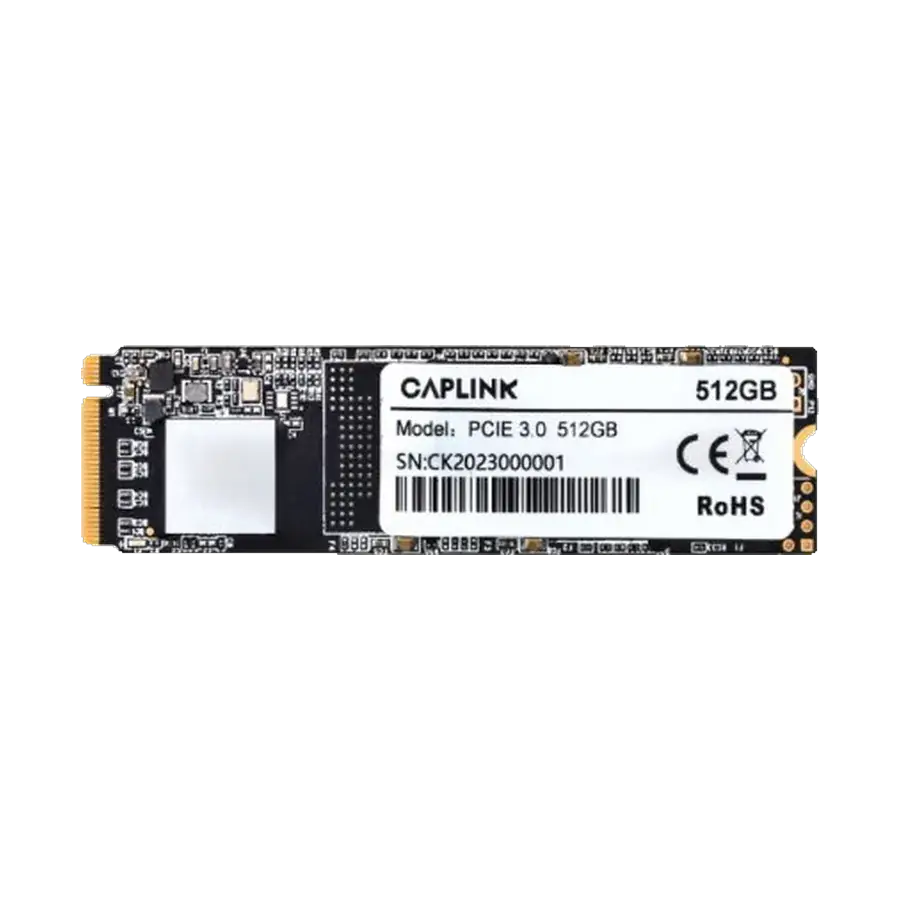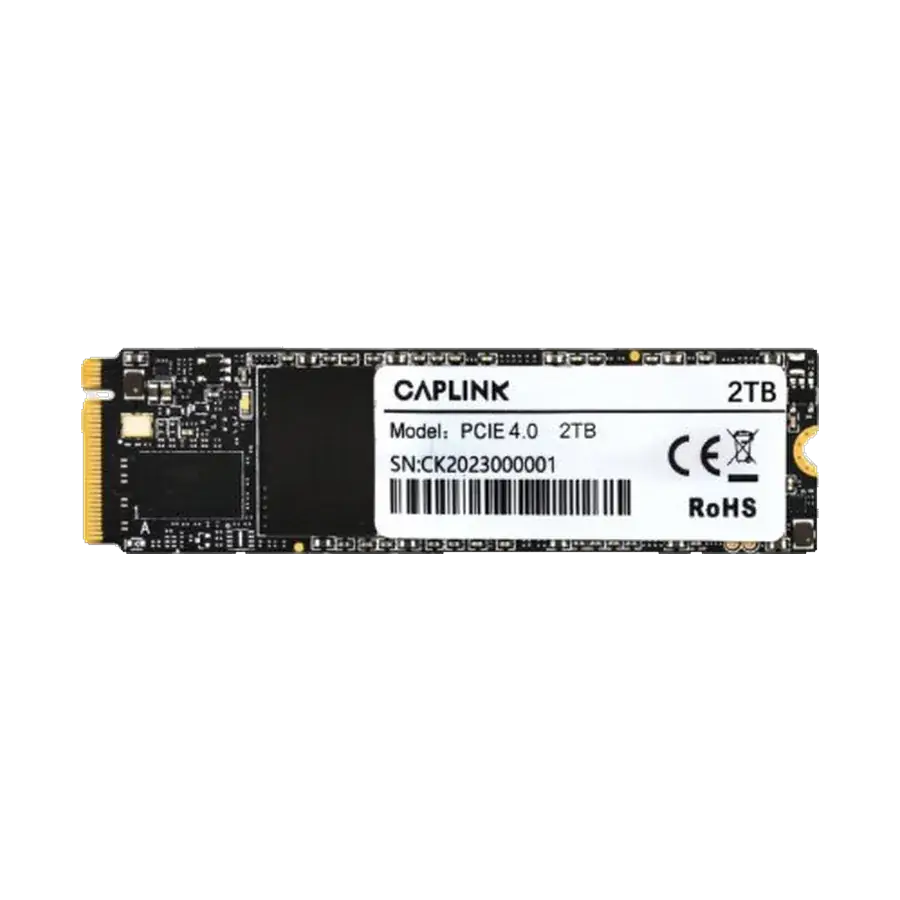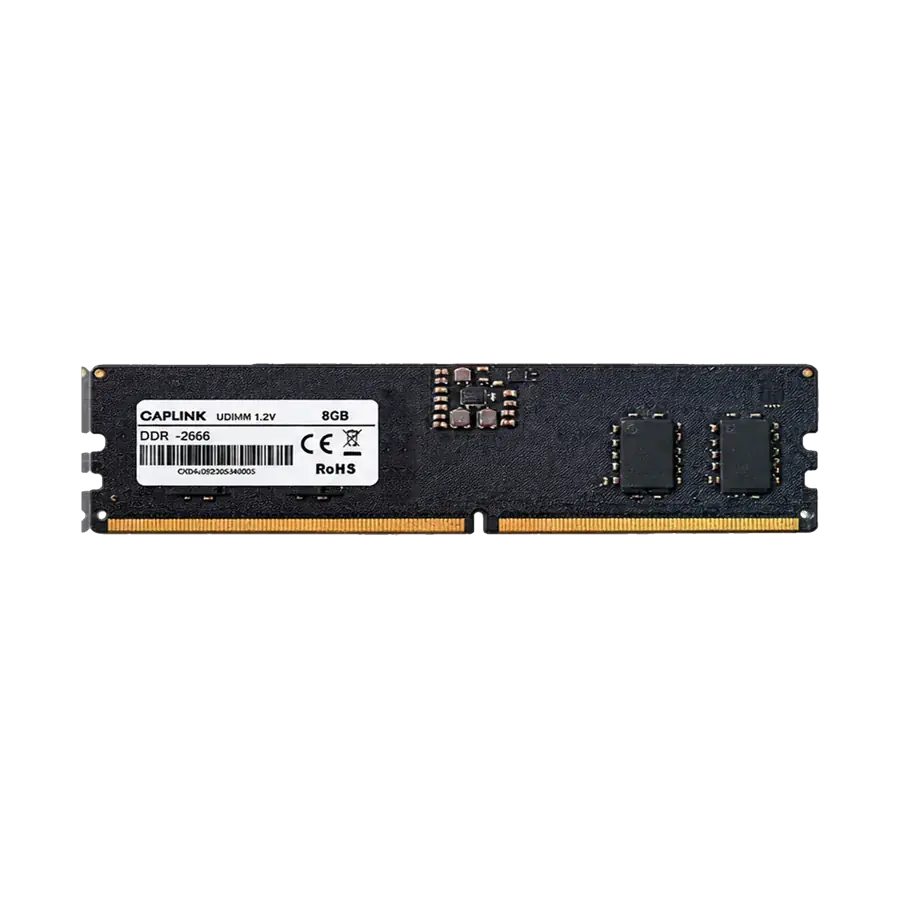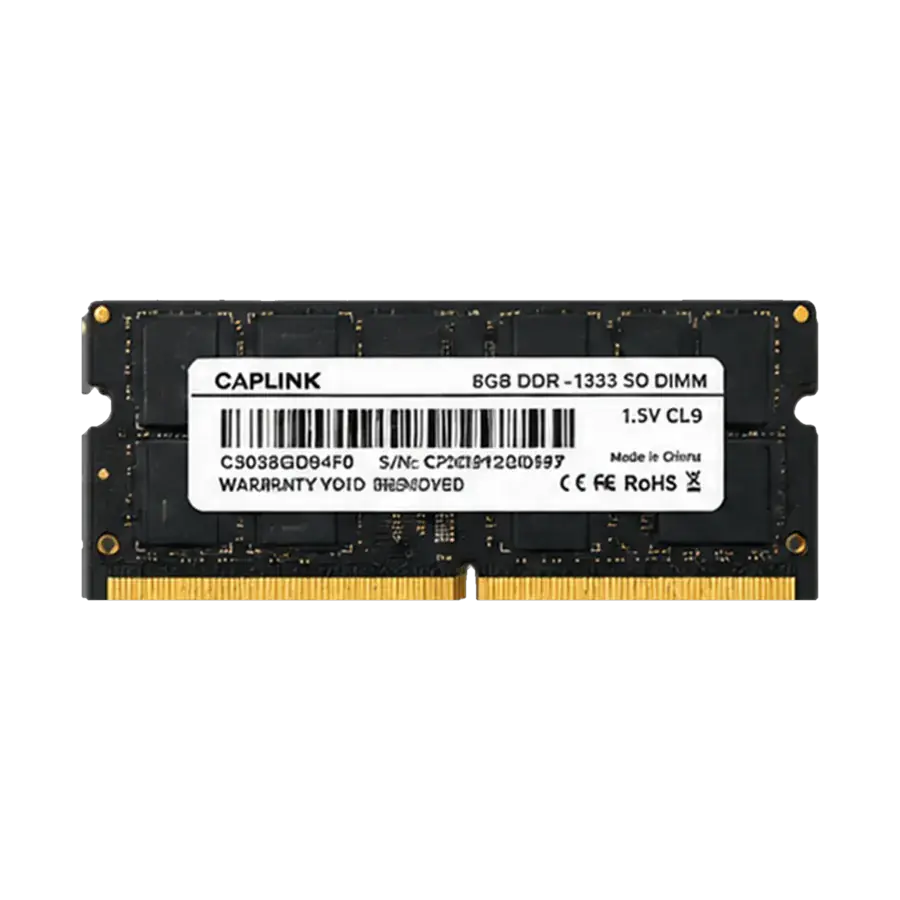
Sample approval is the cheapest point to catch a problem. Once 2,000 drives are on the water, a wrong controller, a fake capacity or a firmware that fails in your customers' laptops becomes expensive. This checklist is what our own QC team and experienced importers use to evaluate SSD samples before signing off a bulk order. It needs only a test PC and free tools.
What you need
| Item | Purpose |
|---|---|
| Test PC with a free M.2 slot and SATA port | Run tests on the right interface |
| USB enclosure (NVMe/SATA) | Quick checks on a second machine |
| CrystalDiskInfo | Model, firmware, SMART, interface mode |
| CrystalDiskMark or AS SSD | Sequential and random speed |
| H2testw (Windows) or F3 (Linux/macOS) | Real capacity check |
| HWiNFO | Temperature during load |
| Large test files (50–200 GB) | Sustained write test |
The 10-step checklist
1. Check labels and physical details
Compare the label, capacity, part number and form factor with the quotation. For M.2 drives check length (2280 or 2242), key type and whether components are on one or both sides. See M.2 SSD sizes if you are unsure.
2. Read the identity in CrystalDiskInfo
Record the model string, firmware version, interface (for example "PCIe 4.0 x4 | PCIe 4.0 x4" or "SATA/600"), supported features (TRIM, NCQ) and initial SMART values. The interface must match the slot — a Gen 4 drive in a Gen 3 slot shows Gen 3.
3. Verify real capacity
Run a full-capacity write and verify with H2testw or F3. Any error means fake or faulty capacity. This takes hours on large drives, so do it on one sample per capacity. More on fake storage: how to spot fake SSDs and memory cards.
4. Measure speed
Run CrystalDiskMark with the default profile on an empty drive.
| Drive | Typical sequential read | Typical sequential write |
|---|---|---|
| 2.5" SATA | ~530–560 MB/s | ~450–520 MB/s |
| M.2 NVMe PCIe 3.0 | ~2,000–3,500 MB/s | ~1,500–3,000 MB/s |
| M.2 NVMe PCIe 4.0 | ~4,000–5,000 MB/s and more | ~3,000–4,500 MB/s |
Results should be close to the datasheet. Note the random 4K results too — they affect how fast a system feels.
5. Test sustained writes (post-cache speed)
Copy a file larger than the drive's SLC cache (for example 100 GB on a 1 TB drive) and watch the speed graph. A drop after the cache is normal; what matters is how far it drops and whether it stalls. This step separates TLC drives from cheap QLC or low-grade NAND. Background: TLC vs QLC.
6. Check temperature and throttling
During the long copy, log temperature in HWiNFO. NVMe drives in laptops and mini PCs should not hit thermal throttling under a normal copy. If they do, test again with a thin thermal pad and note the result for your customers.
7. Power-cycle and sleep test
Restart and power off the test PC 20–50 times, and test sleep/hibernate on a laptop. The drive must be detected every time with no file-system errors. For industrial projects, add unplanned power cuts during writes — see industrial SSD buying guide.
8. Compatibility on your customers' platforms
Test in the devices you actually sell into: one Intel and one AMD desktop, two or three popular laptop models, and any mini PC or POS terminal you supply. Check BIOS detection, OS installation and cloning with your usual imaging tool. Our compatibility guide lists what to check.
9. Record SMART after testing
Read SMART again. Host writes should have increased by roughly the amount you wrote, and there should be no reallocated sectors, media errors or critical warnings. "Percentage used" should stay at 0–1% on a new drive. Endurance terms are explained in how long SSDs last.
10. Confirm the BOM and keep a golden sample
Ask the supplier to confirm the controller, NAND, firmware and PCB revision in writing and to keep them unchanged for your orders. Keep one untouched approved sample sealed as the reference for incoming inspection of the bulk shipment.
Simple pass/fail record
| Check | Result | Pass criteria |
|---|---|---|
| Capacity (H2testw / F3) | No errors | |
| Sequential read / write | Within ~10% of datasheet | |
| Post-cache write | No stalls; acceptable for the target market | |
| Max temperature | No throttling in normal copy | |
| Power cycles | 100% detection, no errors | |
| Platform tests | Boots and installs on all target devices | |
| SMART after test | No errors or warnings | |
| BOM confirmation | Written and locked |
After approval: incoming inspection
When bulk goods arrive, check carton labels and quantities, then test a sample from each batch for identity (CrystalDiskInfo), capacity and speed against the golden sample. Any difference in controller, NAND or firmware is a reason to stop and ask questions before the goods go on sale. For shipping and documents, see importing RAM and SSDs from China.
Summary
A good sample test covers identity, real capacity, speed, sustained writes, heat, power cycling, platform compatibility and SMART — and ends with a locked BOM and a sealed golden sample. All our SSDs ship after 48-hour aging and full testing (quality control), and we send pre-production samples for your own validation. Request SSD samples for your target capacities.