POS terminals, kiosks, industrial PCs, digital signage, vehicles and medical carts all depend on an SSD that must keep working for years — often in heat, vibration and unplanned power cuts, and usually far from a technician. In these projects, the cheapest SSD is often the most expensive one once field failures and site visits are counted. This guide explains what makes an SSD suitable for industrial and embedded use, and what to ask your supplier.
Industrial vs consumer SSD
| Consumer SSD | Industrial / embedded SSD | |
|---|---|---|
| Priority | Peak speed, price per GB | Stability, long-term consistency |
| Operating temperature | 0–70 °C | Up to −40–85 °C (wide temperature) |
| BOM | Controller and NAND may change | Fixed BOM with advance change notice (PCN) |
| Power loss | Basic protection | Power-loss protection or hardened firmware |
| Supply life | Short product cycles | Long availability for the same part number |
| Testing | Sample testing | Burn-in, temperature and compatibility testing |
1. Operating temperature
Enclosed kiosks, vehicles and cabinets heat up far beyond room temperature, and outdoor installations can drop well below freezing.
| Grade | Typical rating | Where it fits |
|---|---|---|
| Commercial | 0 to 70 °C | Offices, indoor POS, ventilated cabinets |
| Industrial / wide temperature | −40 to 85 °C | Outdoor kiosks, vehicles, factories, unventilated boxes |
Remember that SSDs also throttle at high temperature, so check both the rated range and how the drive is cooled inside the device.
2. Power-loss protection
Many industrial devices are switched off at the mains, run on vehicle power or suffer brownouts. Without protection, a power cut during a write can corrupt data or the file system.
- Hardware PLP — capacitors give the drive time to save cached data.
- Firmware protection — safe write handling and mapping-table protection reduce corruption risk.
- System design — a UPS, supercapacitor or proper shutdown signal is still the best defence.
3. Fixed BOM and long-term supply
For certified or validated equipment, a silent change of controller or NAND can mean failed tests, different performance or new compatibility problems.
Ask for:
- A locked BOM — the same controller, NAND, firmware and PCB for the project.
- A PCN (product change notice) before any change, with samples to re-validate.
- A last-time-buy notice when a part reaches end of life.
- Batch traceability from serial number to production lot and NAND batch.
4. NAND choice: TLC, pSLC and endurance
| NAND mode | Endurance | Capacity | Use |
|---|---|---|---|
| 3D TLC | Standard | Full | Most POS, kiosk and signage systems |
| pSLC (TLC run as SLC) | Much higher | About 1/3 of TLC capacity | Logging, frequent writes, harsh conditions |
| QLC | Lower | High | Not recommended for industrial use |
Most industrial devices write little data and run well on good 3D TLC. Write-heavy systems such as data loggers benefit from pSLC or simply a larger TLC drive. To calculate endurance needs, see how long SSDs last: TBW and DWPD; NAND types are compared in TLC vs QLC.
5. Form factor
| Form factor | Typical industrial use | Our product |
|---|---|---|
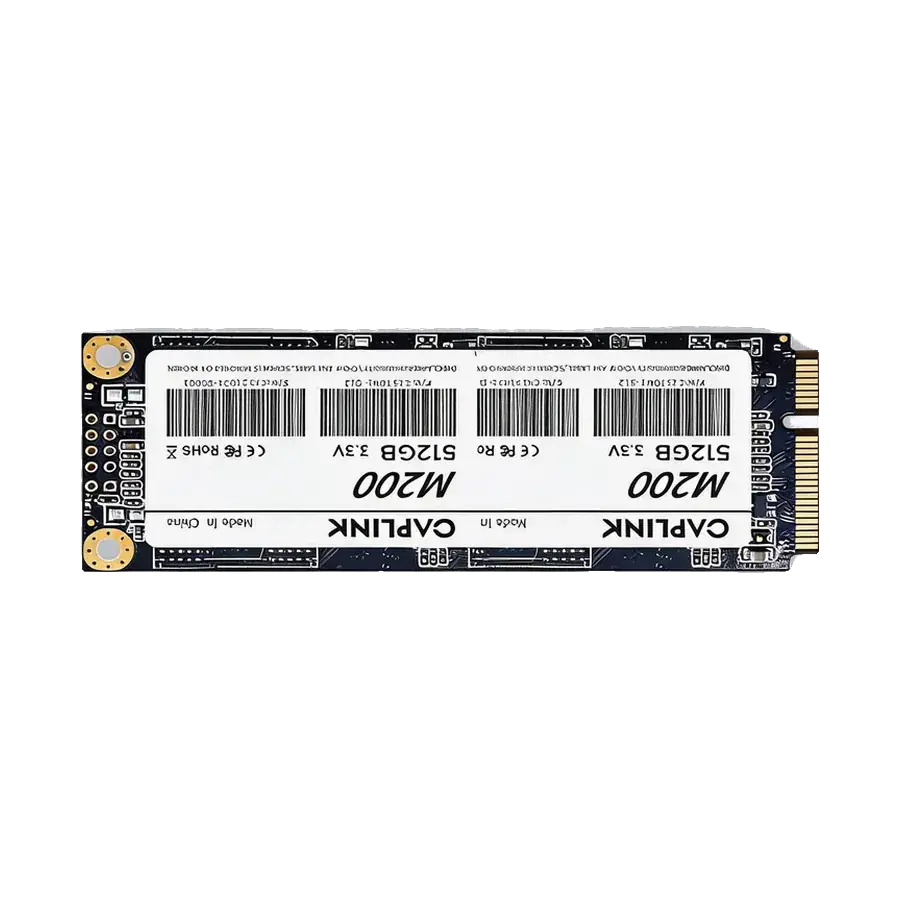
| mSATA | Existing industrial PCs, POS, signage, legacy boards | mSATA SSD |
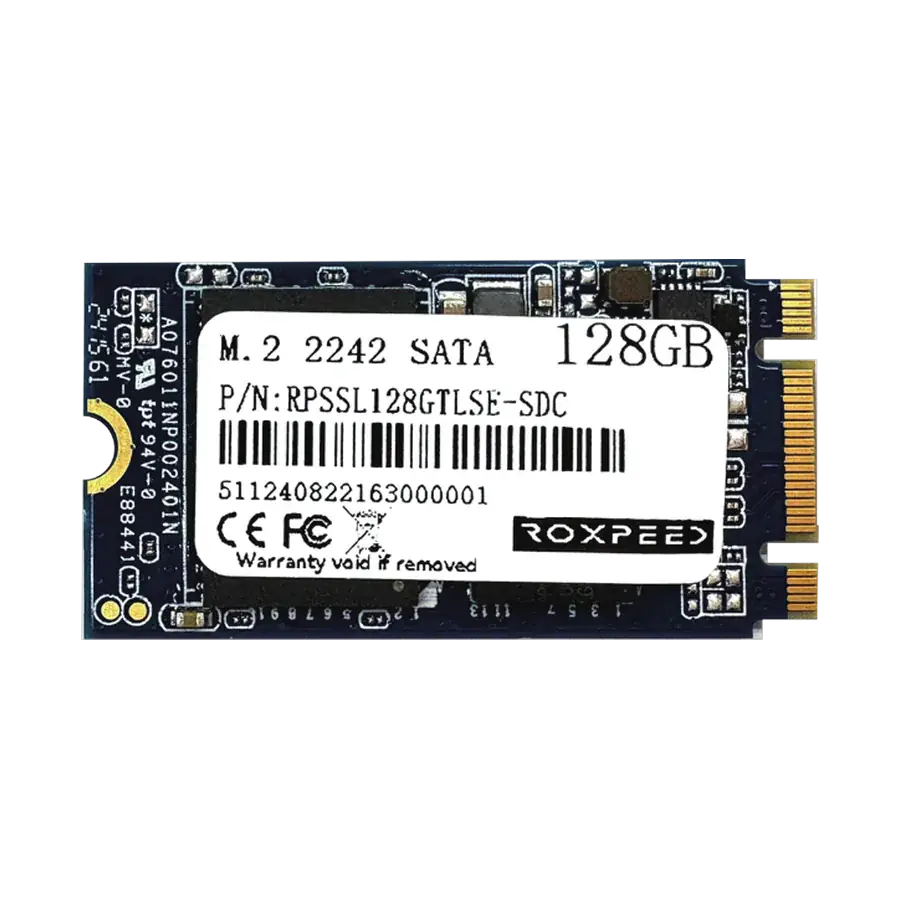
| M.2 2242 SATA | Compact industrial boards, thin clients | M.2 2242 SATA |
| M.2 2280 SATA / NVMe | Industrial PCs, edge computers | M.2 2280 SATA / NVMe |
| 2.5" SATA | Panel PCs, machine controllers, upgrades | 2.5" SATA SSD |
| eMMC (soldered) | Devices you design yourself | eMMC |
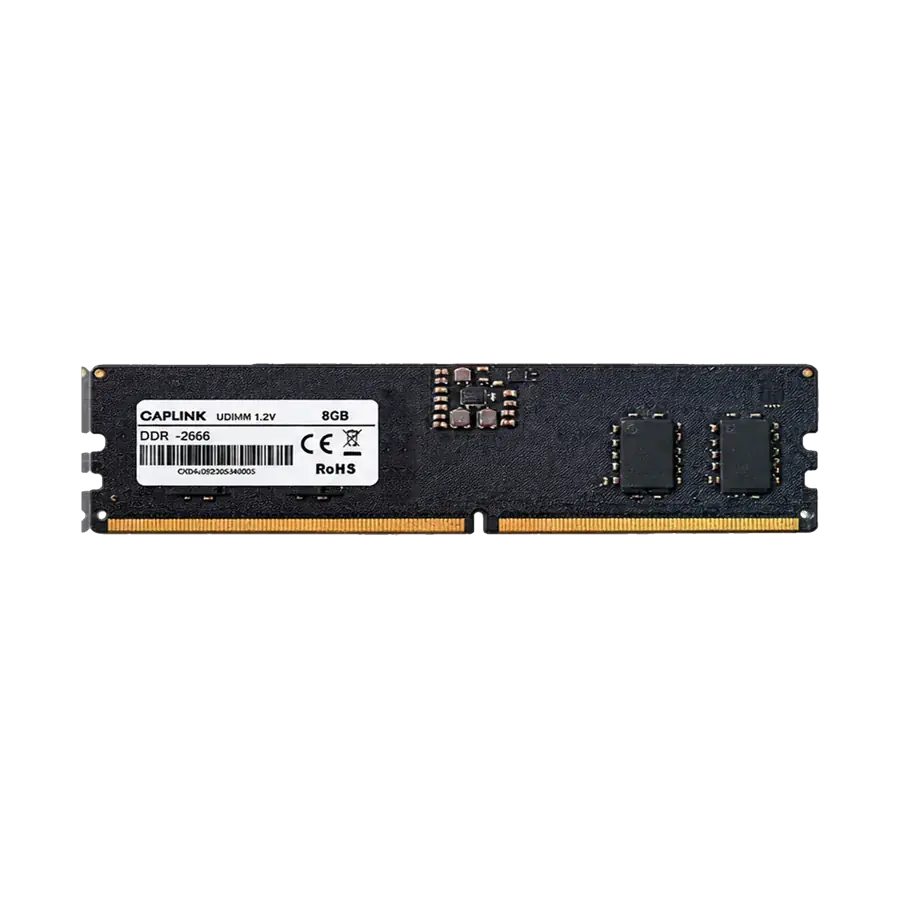
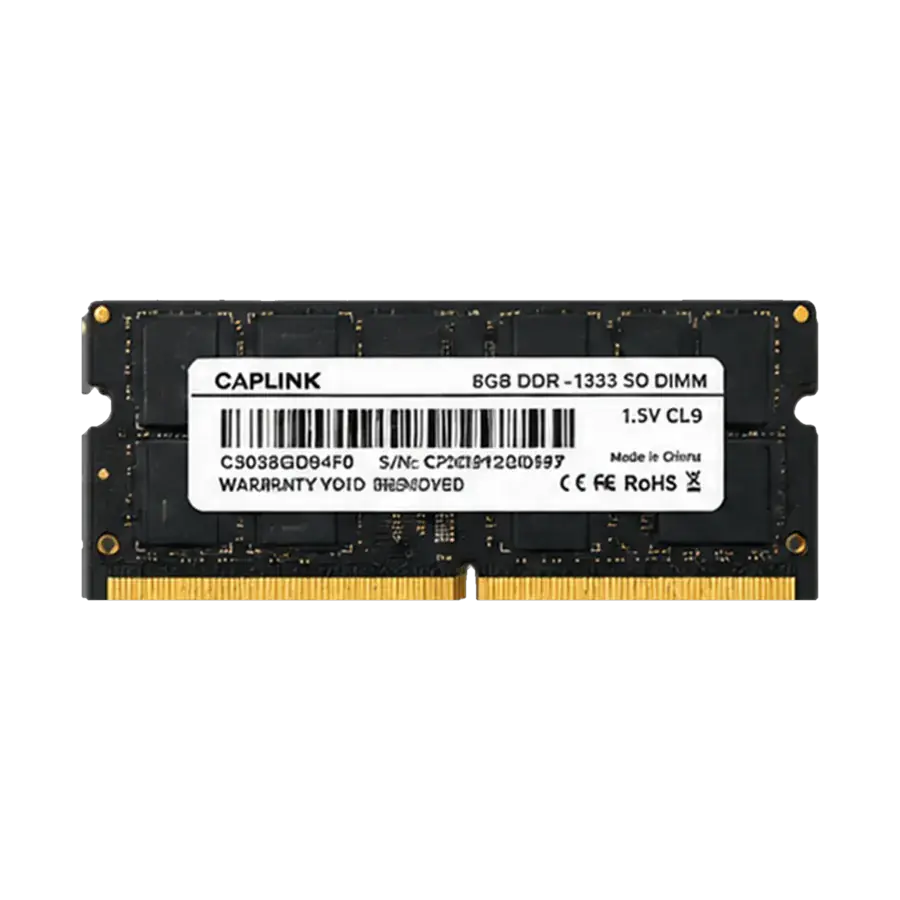
For size and key differences, see M.2 SSD sizes explained. Industrial boards also need reliable memory — our SODIMM vs UDIMM guide covers module choice.
6. Validation and testing
Before approving an SSD for a project, test it in the real device:
- Burn-in under continuous read/write for 24–72 hours.
- Temperature cycling at the extremes the device will see.
- Power-cycle testing — hundreds of unplanned power cuts during writing.
- Compatibility with the board's BIOS, OS image and imaging tools.
- SMART monitoring so field devices can report wear before failure.
Our production includes 48-hour aging for every batch, and we can support project samples for your validation — see our quality control process and sourcing process.
Questions to ask your SSD supplier
- What temperature range is the drive actually rated and tested for?
- Is the BOM fixed, and how much notice do you give before a change?
- What power-loss protection does the drive or firmware provide?
- How long will this part number be available?
- Can you pre-load our OS image, set a custom firmware name or label the drives with our part number? (See OEM & private label.)
- What is the warranty, and does it cover continuous industrial use?
Summary
Industrial SSDs are about predictability: the right temperature rating, protection against power loss, a BOM that does not change, enough endurance and validation in the real device. Specify these upfront and field failures fall sharply. Contact us with your device, temperature range, form factor and annual volume, and we will recommend suitable models and confirm the available options.