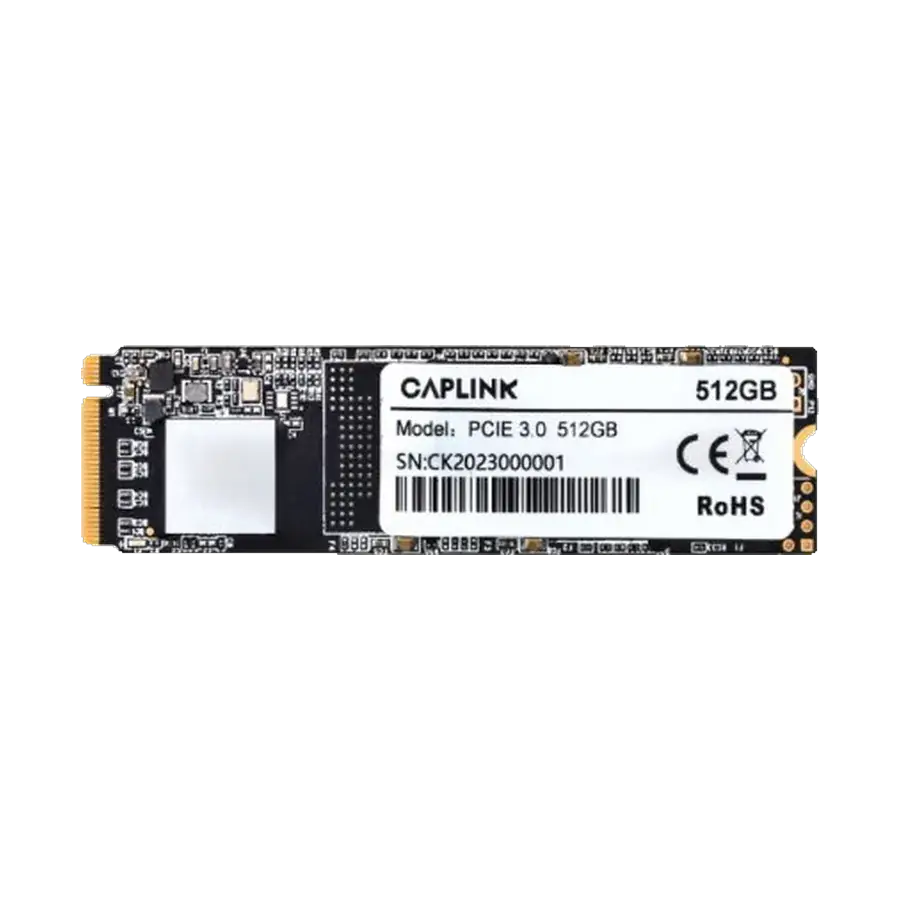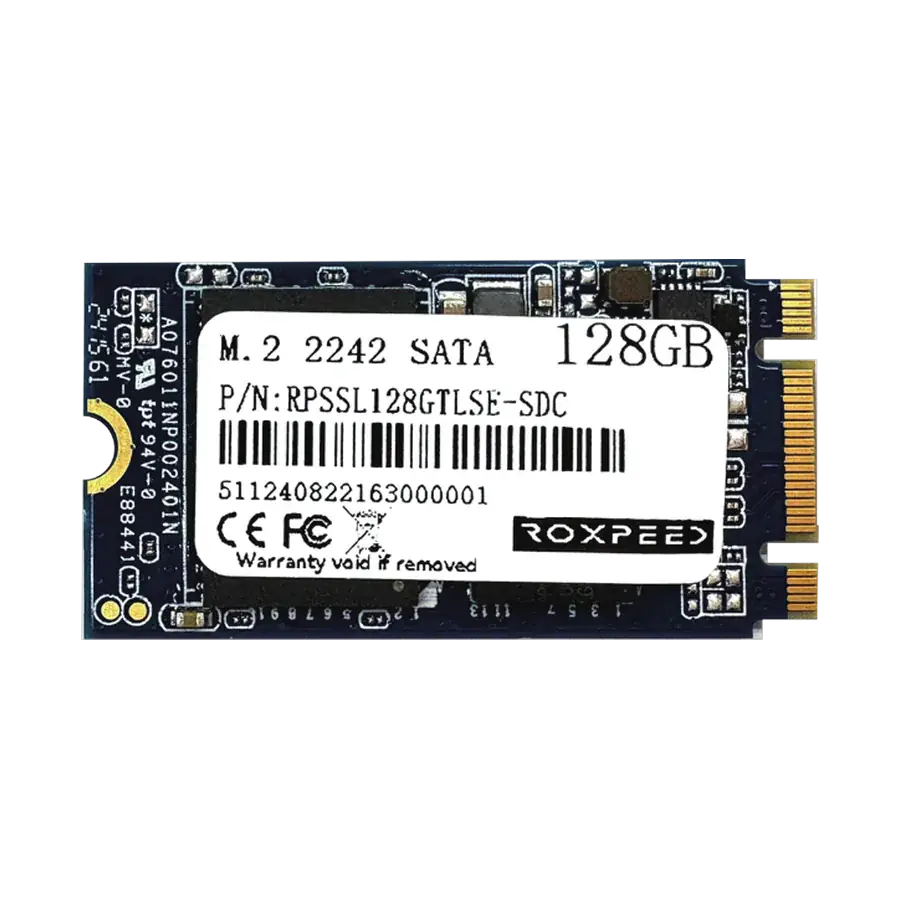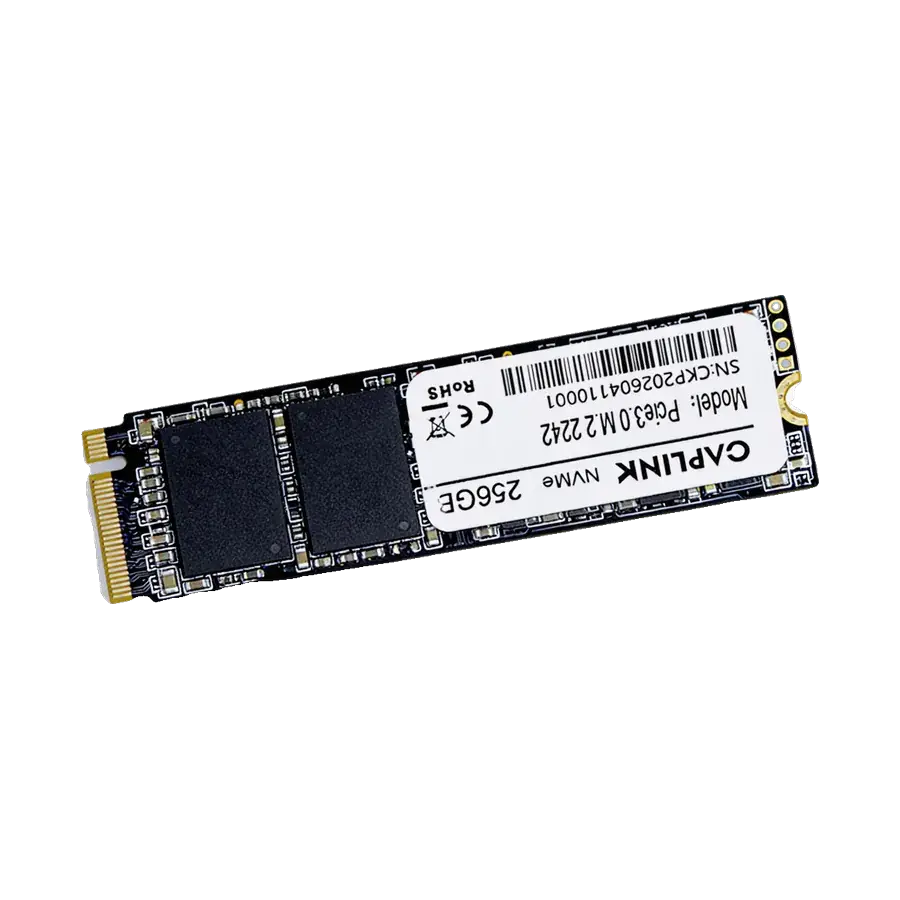
"M.2 SSD" describes a shape, not a speed. Two drives that both say M.2 can be different lengths, use different connectors and run on completely different interfaces. That is why M.2 orders produce more compatibility returns than any other storage product. This guide explains how to read M.2 sizes and keys so you order the right drive for every device.
What the M.2 numbers mean
The four or five digits after "M.2" are the width and length in millimetres. "2280" means 22 mm wide and 80 mm long.
| Size | Dimensions | Typical devices |
|---|---|---|
| 2230 | 22 × 30 mm | Steam Deck and other handhelds, some Surface devices |
| 2242 | 22 × 42 mm | Mini PCs, compact laptops, handheld PCs, industrial boards |
| 2260 | 22 × 60 mm | Some older laptops (rare) |
| 2280 | 22 × 80 mm | Most desktops and laptops — the standard size |
| 22110 | 22 × 110 mm | Servers and workstations |
All of these share the same 22 mm width and the same connector style, so a shorter drive can usually be mounted in a longer slot if there is a screw position for it. A longer drive never fits a shorter bay.
M.2 keys: B, M and B+M
The notch in the gold edge connector is the key. It stops a drive going into a slot that cannot support it.
| Key | Notch position | Usually means | Lanes |
|---|---|---|---|
| M key | One notch on the right | NVMe PCIe x4 (sometimes SATA) | Up to PCIe x4 |
| B key | One notch on the left | SATA or PCIe x2 (rare for SSDs today) | Up to PCIe x2 |
| B+M key | Two notches | Almost always SATA | SATA |
Most NVMe SSDs are M key; most M.2 SATA SSDs are B+M key so they fit both slot types. The key alone does not prove the interface — always check the slot specification.
SATA and NVMe in the same M.2 shape
An M.2 2280 SATA SSD and an M.2 2280 NVMe SSD look almost identical but are not interchangeable:
| M.2 SATA | M.2 NVMe PCIe 3.0 | M.2 NVMe PCIe 4.0 | |
|---|---|---|---|
| Interface | SATA III 6 Gb/s | PCIe 3.0 x4 | PCIe 4.0 x4 |
| Typical read speed | ~550 MB/s | up to 3,000–3,500 MB/s | up to 5,000 MB/s and more |
| Usual key | B+M | M | M |
| Works in | SATA-capable M.2 slots | NVMe slots (PCIe 4.0 slots too) | NVMe slots (runs at PCIe 3.0 speed in Gen 3 slots) |
NVMe PCIe 4.0 drives are backward compatible with PCIe 3.0 slots at lower speed. SATA and NVMe are not cross-compatible. For a full performance comparison, read NVMe vs SATA SSD.
mSATA: the older small form factor
mSATA (about 30 × 51 mm) predates M.2. It uses the SATA interface and a different connector, and is still common in industrial PCs, POS terminals, digital signage and older laptops. Replacement and maintenance demand for mSATA continues for years after new devices move to M.2, which makes it a useful stock item for repair and industrial customers.
Which drive for which device
| Device | Usual drive | Our product |
|---|---|---|
| Desktop and gaming PC | M.2 2280 NVMe | M.2 2280 NVMe PCIe 4.0 / PCIe 3.0 |
| Modern laptop | M.2 2280 NVMe (check length) | M.2 2280 NVMe PCIe 3.0 |
| Older laptop with M.2 SATA slot | M.2 2280 SATA | M.2 2280 SATA |
| Mini PC, compact laptop | M.2 2242 NVMe or SATA | M.2 2242 NVMe / M.2 2242 SATA |
| Industrial PC, thin client | M.2 2242 SATA or mSATA | M.2 2242 SATA / mSATA |
| Laptop with 2.5" bay | 2.5" SATA | 2.5" SATA SSD |
| Embedded device with soldered storage | eMMC | See eMMC vs UFS vs SSD |
Five checks before ordering M.2 SSDs
- Length — measure the bay or check the screw positions (2242, 2260, 2280).
- Interface — SATA, NVMe, or both, from the device specification.
- PCIe generation — Gen 3 or Gen 4 slot, to avoid paying for speed the device cannot use.
- Single- or double-sided — thin laptops may need single-sided drives with components on one side only.
- Heat — in mini PCs and slim laptops a thin thermal pad helps NVMe drives keep their speed.
Tips for distributors and online sellers
- Put size, interface and generation at the start of every listing: "M.2 2242 NVMe PCIe 3.0 SSD 512GB".
- Add a simple compatibility table to product pages (desktop, laptop, mini PC, handheld).
- Stock 2280 NVMe for volume, 2242 for the fast-growing mini PC and handheld market, and mSATA for industrial and repair customers.
- Ask your supplier to keep the same controller and NAND on repeat orders; for long-life projects see our industrial SSD guide.
All our M.2 and mSATA drives use 3D TLC NAND, carry a 3-year warranty and go through 48-hour aging before shipment — see our quality control. Endurance per capacity is explained in how long SSDs last.
Summary
M.2 numbers give the size, the key shows which slots a drive fits, and the interface — SATA or NVMe — decides whether it actually works. Check length, interface and PCIe generation for every device, list them clearly, and most M.2 returns disappear. Request a quotation for M.2 2280, 2242 and mSATA SSDs in your capacities.