"SSD" covers several very different products. For a buyer, two questions decide what you can sell to whom: which interface (SATA or NVMe over PCIe) and which form factor (2.5-inch, M.2 2280, M.2 2242 or mSATA). Getting either wrong means returns.
The interfaces
| Interface | Bus | Real-world sequential read | Typical use |
|---|---|---|---|
| SATA III | 6 Gb/s | up to ~550 MB/s | Upgrades for older PCs, budget builds, POS, industrial |
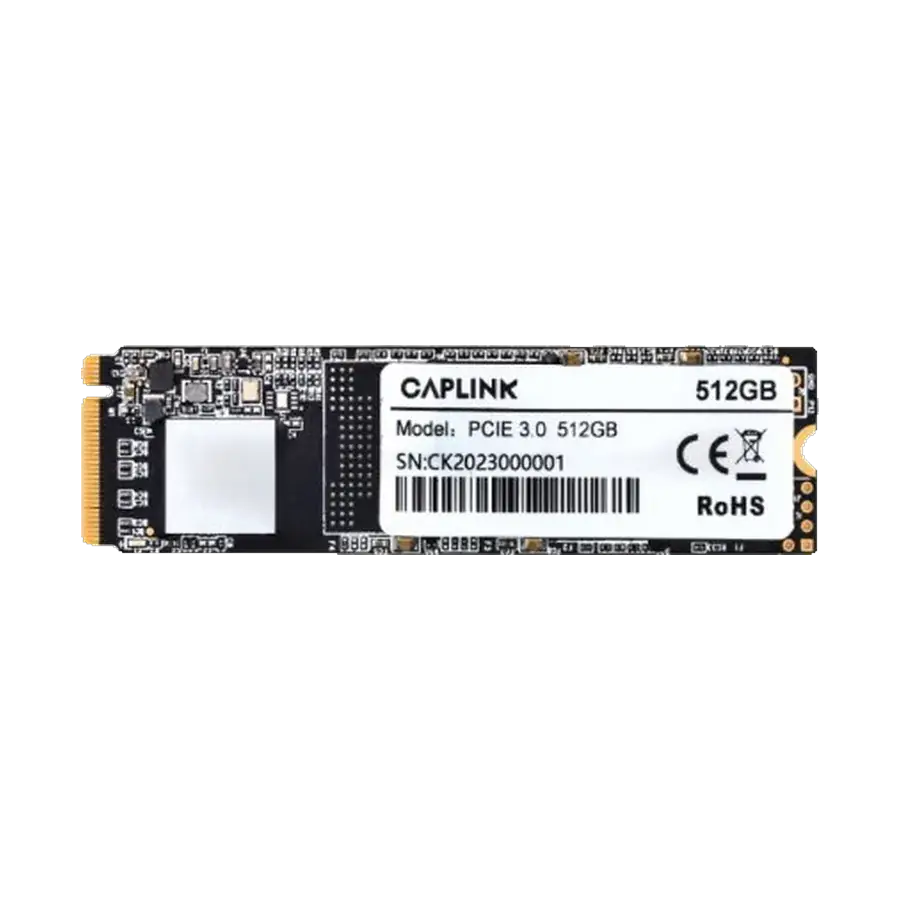
| NVMe PCIe 3.0 x4 | ~4 GB/s | up to ~3,500 MB/s | Mainstream laptops and desktops |
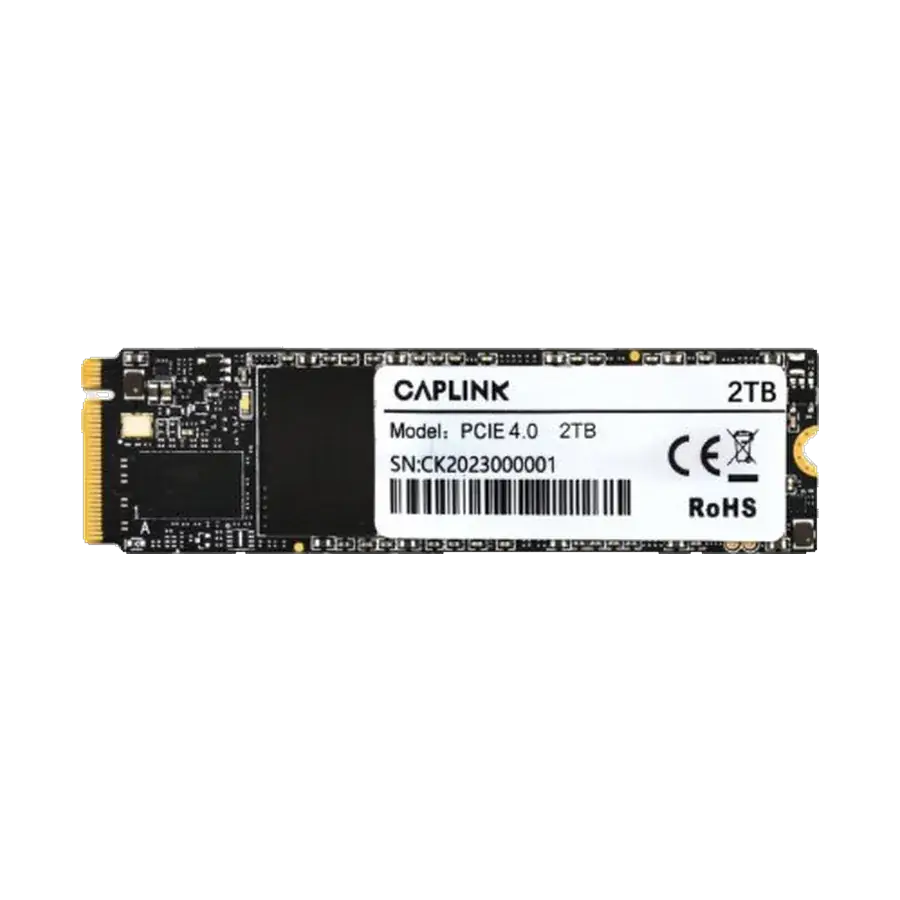
| NVMe PCIe 4.0 x4 | ~8 GB/s | 5,000–7,000 MB/s | New laptops, gaming and creator PCs, consoles |
SATA is limited by the interface itself — every good SATA SSD reads at about 550 MB/s, so price, NAND type and reliability are what separate products. NVMe talks to the CPU over PCIe lanes, which is why it is 6–12× faster on sequential transfers and much faster on random small-file access.
For everyday office use the difference between SATA and NVMe is noticeable mainly at boot and when opening large files. For video editing, game loading and large data copies, NVMe is clearly better.
The form factors
- 2.5-inch SATA — the universal upgrade drive for laptops and desktops with a drive bay. See our 2.5" SATA SSD.
- M.2 2280 (22 × 80 mm) — the standard for modern laptops and desktops. Available as NVMe (PCIe 4.0, PCIe 3.0) or SATA (M.2 2280 SATA).
- M.2 2242 (22 × 42 mm) — short drives for thin laptops, mini PCs, handheld consoles and industrial boards: 2242 NVMe and 2242 SATA.
- mSATA — legacy small form factor still used in industrial PCs, thin clients and older ultrabooks: mSATA SSD.
Need external storage instead of an internal drive? See our portable SSD wholesale guide for USB 3.2 Gen 1, Gen 2 and Gen 2×2 drives.
The M.2 trap: M.2 is a connector shape, not a speed. An M.2 drive can be SATA or NVMe. Always list the protocol next to the size — "M.2 2280 NVMe" or "M.2 2280 SATA" — in quotations and product listings.
How to check compatibility
- Slot protocol: does the M.2 slot support NVMe, SATA, or both? (The manual or the BIOS storage page will say.)
- Key type: NVMe drives are M-key; many M.2 SATA drives are B+M key. A B+M drive fits more slots but is still SATA speed.
- Length: check which standoff positions the board has — 2242, 2260 or 2280.
- Thickness: very thin laptops may need single-sided drives without a heatsink.
- PCIe generation: PCIe 4.0 drives work in PCIe 3.0 slots at 3.0 speed — fine for most buyers, but do not promise 5,000 MB/s on an older laptop.
What to source for each market
| Market | Best-selling SSDs |
|---|---|
| PC repair and upgrade shops | 2.5" SATA 256 GB–1 TB, M.2 2280 NVMe PCIe 3.0 512 GB–1 TB |
| System integrators | M.2 2280 NVMe PCIe 4.0 1–2 TB, PCIe 3.0 for budget builds |
| Mini PC / handheld brands | M.2 2242 NVMe or SATA |
| Industrial / POS / kiosks | 2.5" SATA, M.2 2242 SATA, mSATA — with fixed BOM |
| E-commerce | NVMe PCIe 4.0 1 TB and 2.5" SATA 512 GB as hero SKUs |
What else affects SSD quality
Interface and form factor are only half the story. Ask suppliers about the NAND type (TLC vs QLC — see our TLC vs QLC guide), whether the drive has a DRAM cache or uses HMB, the controller brand, the TBW endurance rating and whether the bill of materials can be locked for repeat orders. These are what decide sustained write speed, lifespan and return rates.
Summary
Sell NVMe where the device supports it and customers value speed; sell SATA for universal upgrades and industrial equipment. Always describe drives with protocol + form factor + capacity. If you want a mixed SSD quotation, tell us your markets and target price and we will suggest a line-up.