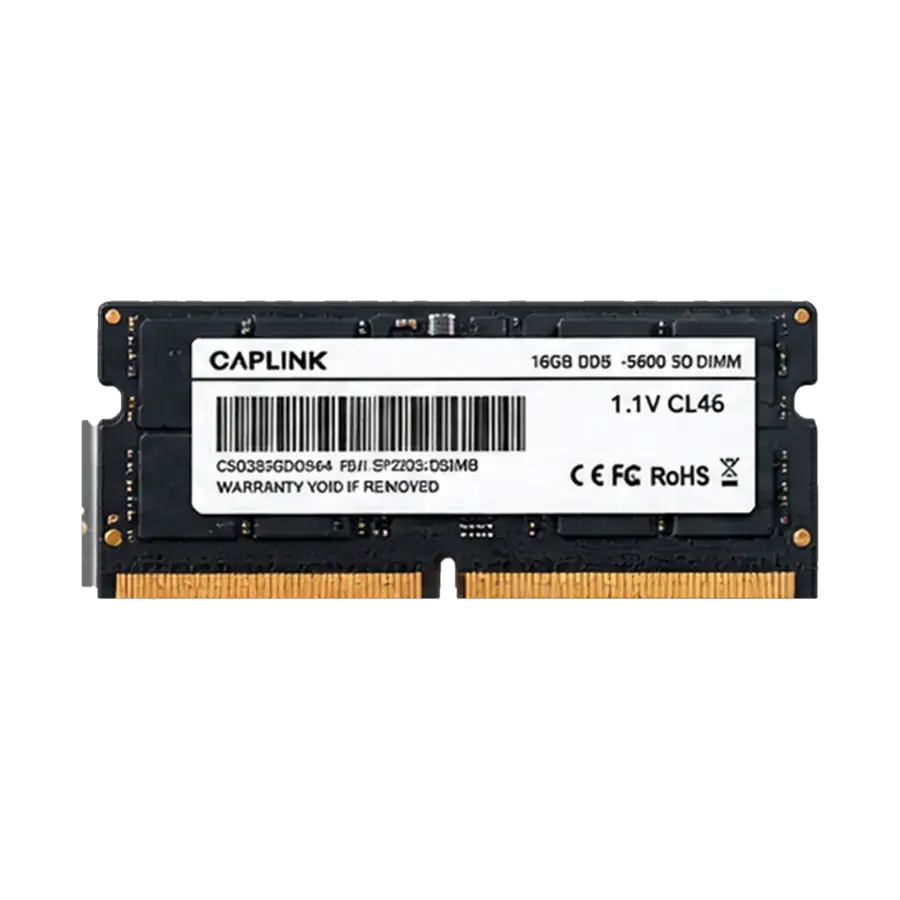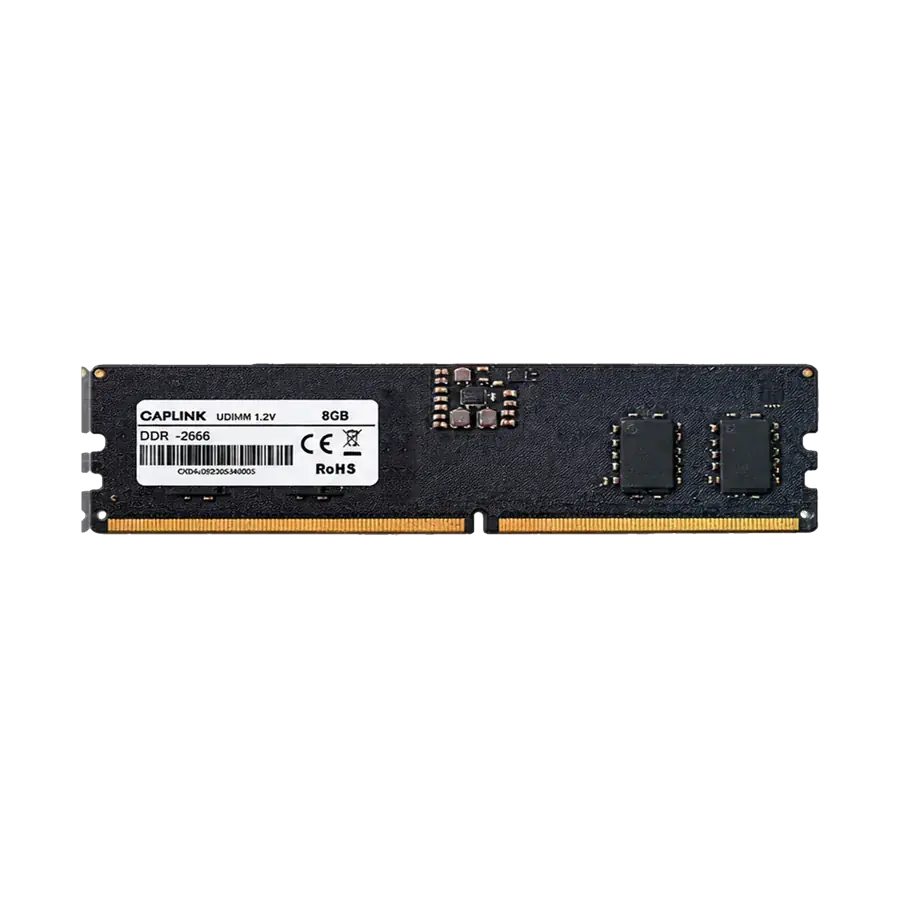
DDR5 is now the standard memory for new laptops, mini PCs and desktops, and the two speeds that dominate wholesale demand are DDR5-4800 and DDR5-5600. Buyers often ask whether the faster one is worth stocking, why its CAS latency number is higher, and whether it works in older DDR5 systems. This guide answers those questions with numbers.
The two JEDEC speeds at a glance
| DDR5-4800 | DDR5-5600 | |
|---|---|---|
| Data rate | 4,800 MT/s | 5,600 MT/s |
| Peak bandwidth per module | ~38.4 GB/s | ~44.8 GB/s |
| Typical JEDEC CAS latency | CL40 | CL46 |
| Real first-word latency | ~16.7 ns | ~16.4 ns |
| Voltage | 1.1 V | 1.1 V |
CAS latency explained
CAS latency (CL) is counted in clock cycles, not time. Faster memory has shorter cycles, so a higher CL number can still mean the same or lower real delay:
Latency (ns) ≈ CL × 2000 ÷ data rate (MT/s)
- DDR5-4800 CL40 → 40 × 2000 ÷ 4800 ≈ 16.7 ns
- DDR5-5600 CL46 → 46 × 2000 ÷ 5600 ≈ 16.4 ns
- DDR4-3200 CL22 → 22 × 2000 ÷ 3200 ≈ 13.8 ns
So DDR5-5600 has about the same latency as DDR5-4800 but around 17% more bandwidth. DDR5's higher latency than DDR4 is compensated by much higher bandwidth and two independent sub-channels per module. For the full generational comparison, see DDR4 vs DDR5.
Platform support
The platform, not the module, decides the speed the memory actually runs at.
| Platform | Officially supported DDR5 speed |
|---|---|
| Intel 12th Gen Core (Alder Lake) | DDR5-4800 |
| Intel 13th / 14th Gen Core | DDR5-5600 |
| Intel Core Ultra (laptop and desktop) | DDR5-5600 and higher, depending on model |
| AMD Ryzen 7000 (AM5) | DDR5-5200 |
| AMD Ryzen 9000 (AM5) | DDR5-5600 |
A 5600 module in a 4800 system runs at 4800 — fully compatible. A 4800 module in a 5600 system runs at 4800 and gives up bandwidth. Always check the exact CPU specification.
Laptops vs desktops
- Laptops and mini PCs (SODIMM) run at JEDEC speeds only — no XMP/EXPO. The speed on the label is the speed you get, up to the platform limit. DDR5 SODIMM at 5600 covers both older and newer laptops.
- Desktops (UDIMM) can use XMP (Intel) or EXPO (AMD) profiles on overclocking kits, but JEDEC 4800/5600 modules are the safe choice for office PCs, system builders and education. See DDR5 UDIMM.
Form-factor basics are in SODIMM vs UDIMM.
Where the extra bandwidth matters
| Use | Benefit of 5600 over 4800 |
|---|---|
| Laptops with integrated graphics | Noticeable — the GPU uses system memory |
| Content creation, compiling, VMs | Moderate |
| Gaming with a dedicated GPU | Small to moderate |
| Office, web, POS | Minimal |
Dual-channel operation (two modules) matters more than the 4800/5600 choice: a single 5600 module is slower than two 4800 modules in dual channel.
What DDR5 adds beyond speed
- On-die ECC inside the memory chips improves reliability (it is not the same as full ECC memory).
- PMIC (power management chip) on the module regulates voltage.
- Two 32-bit sub-channels per module improve efficiency.
- Higher capacity per module — 16GB and 32GB are the mainstream sizes.
What to stock
- DDR5-5600 as the default — it works at full speed on current platforms and at 4800 on older ones, which simplifies SKUs.
- Keep DDR5-4800 only for price-driven tenders or customers who specify it.
- Focus on 16GB and 32GB; 8GB is shrinking in new devices.
- Sell matched pairs for dual channel.
- State speed, capacity and form factor clearly in listings: "DDR5 SODIMM 16GB 5600 MT/s laptop RAM".
Before placing orders, use our compatibility checklist to confirm platforms.
Summary
DDR5-5600 offers about 17% more bandwidth than DDR5-4800 with practically the same real latency, and it falls back to 4800 on older platforms. For most distributors that makes 5600 the simplest default, with 16GB and 32GB in matched pairs. Request DDR5 pricing for SODIMM and UDIMM in 4800 and 5600.