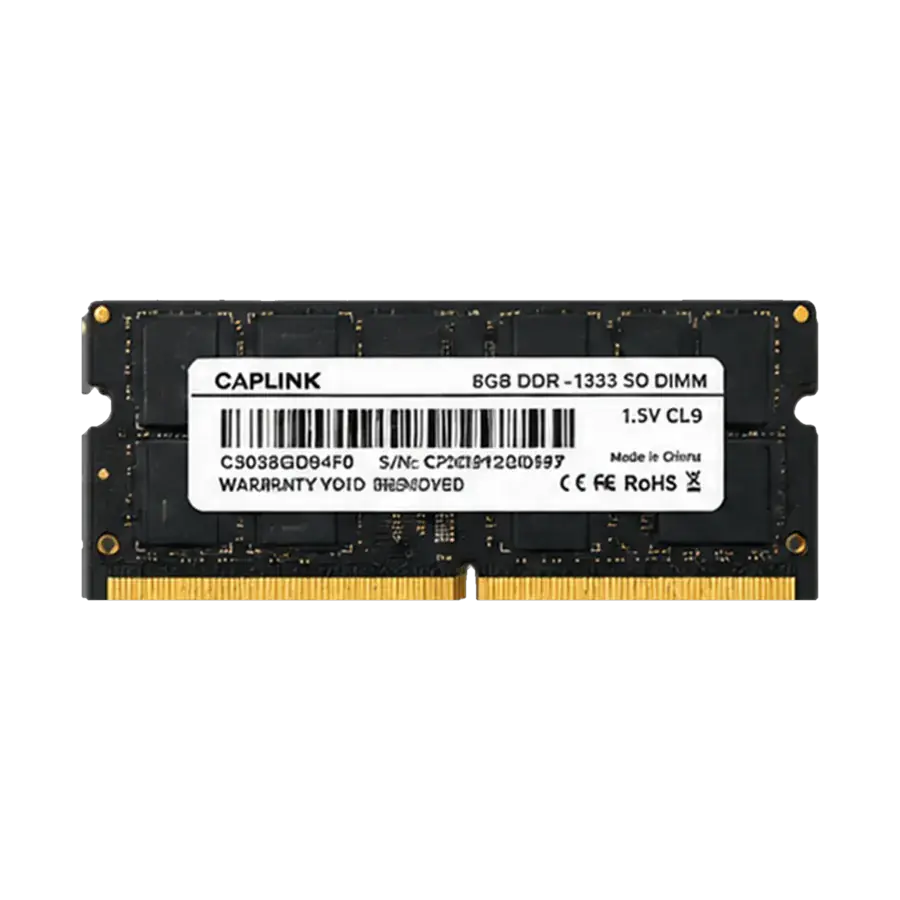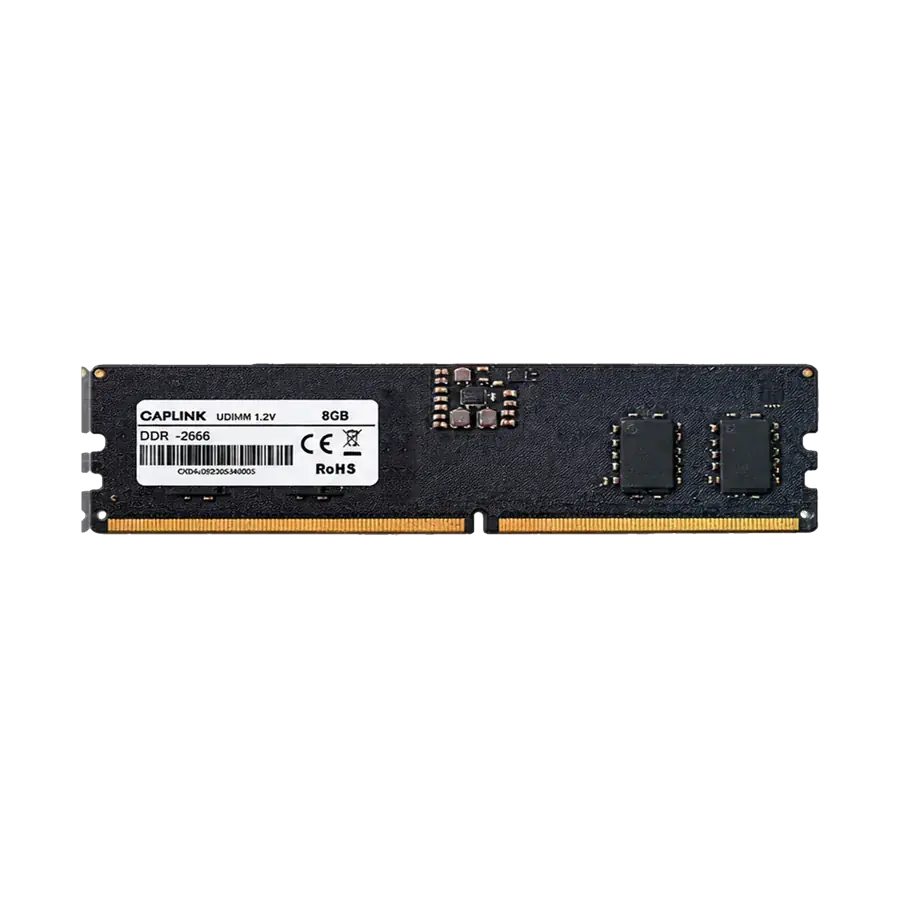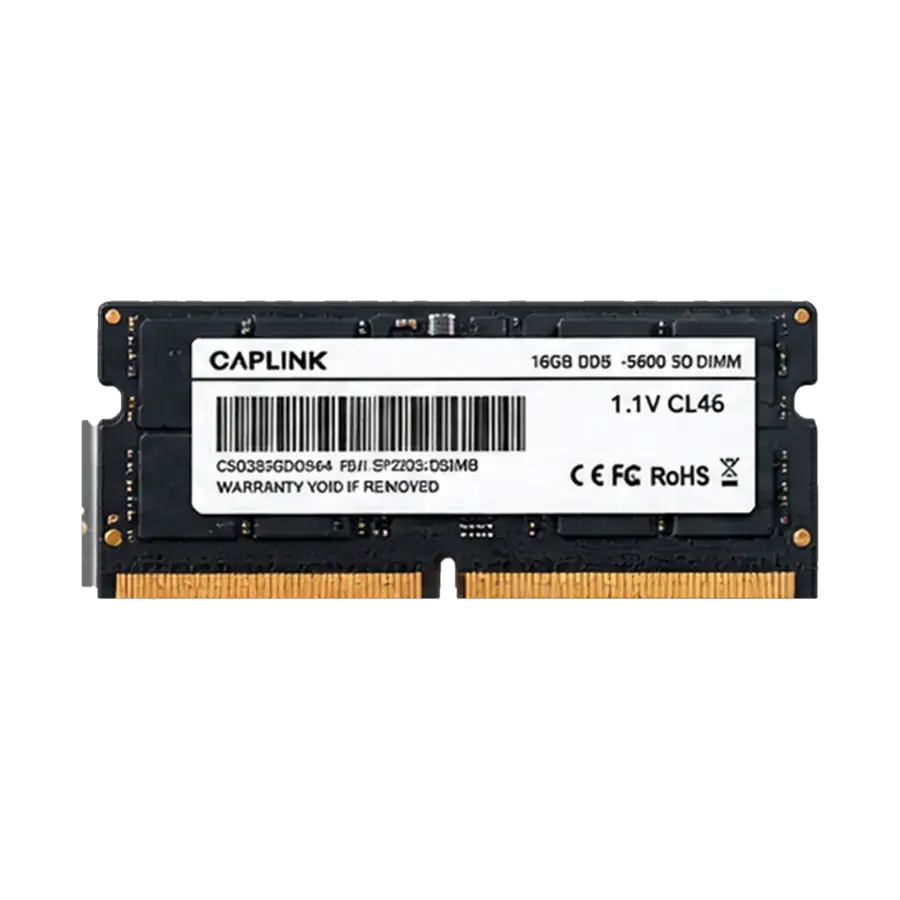
If you buy memory for resale, system building or industrial projects, the DDR4-or-DDR5 question is really a question about which platforms your customers use. The two generations are not interchangeable, so the right mix depends on the installed base you serve — not on which standard is newer.
This guide summarises the technical differences that matter to buyers and gives a practical stocking recommendation.
DDR4 vs DDR5 at a glance
| DDR4 | DDR5 | |
|---|---|---|
| Typical speeds | 2400 / 2666 / 3200 MT/s | 4800 / 5600 MT/s (6400+ on newer kits) |
| Operating voltage | 1.2 V | 1.1 V |
| Power management | On the motherboard | PMIC on the module |
| Channel design | One 64-bit channel per module | Two independent 32-bit sub-channels |
| Error correction | ECC only on ECC modules | On-die ECC on every chip |
| Max capacity per module (mainstream) | 32 GB | 32–64 GB |
| UDIMM / SODIMM pins | 288 / 260 | 288 / 262 |
| Platforms | Intel 100–500 series, AMD AM4 | Intel 600/700 series and newer, AMD AM5 |
What the differences mean in practice
- Bandwidth: DDR5-5600 offers roughly 75% more peak bandwidth than DDR4-3200. Integrated graphics, content creation and multi-core workloads benefit most; office PCs see a smaller difference.
- Latency: DDR5's higher CAS latency numbers (e.g. CL46 at 5600) look worse on paper, but the real latency in nanoseconds is close to DDR4 because the clock is much faster.
- On-die ECC improves reliability inside each DRAM chip. It is not the same as full ECC memory used in servers — that still needs ECC modules and a compatible platform.
- PMIC on the module means DDR5 modules carry their own power regulation. It is one reason DDR5 costs more to build, and a point to check during quality inspection.
Compatibility: the rule that decides everything
A motherboard supports either DDR4 or DDR5 — never both in the same slots. The key notch sits in a different position, so modules physically cannot be swapped.
- Laptops and mini PCs use SODIMM: DDR4 SODIMM (260-pin) or DDR5 SODIMM (262-pin).
- Desktops use UDIMM: DDR4 UDIMM or DDR5 UDIMM, both 288-pin but keyed differently.
- Some industrial boards and older thin clients still use DDR3/DDR3L — we keep DDR3 SODIMM in the range for that maintenance market.
Tip for distributors: put the generation and the form factor in the first words of your product titles ("DDR5 SODIMM 16GB 5600"). Most buying mistakes come from customers mixing up SODIMM and UDIMM, not DDR4 and DDR5.
Price per GB
DDR5 still carries a premium per GB over DDR4 because of the PMIC, more complex PCB and newer DRAM dies. The gap narrows as volume grows, but for price-sensitive upgrade channels DDR4 remains the cheaper way to sell capacity. When you request quotations, compare the same capacity and speed bin — 16 GB DDR5-5600 against 16 GB DDR4-3200 — rather than "cheapest module" lists.
Which one should you stock?
| Your customers | Recommended mix |
|---|---|
| Retail upgrade / repair shops | 60–70% DDR4 (SODIMM + UDIMM), 30–40% DDR5 |
| System integrators building new PCs | Mostly DDR5 UDIMM, DDR5 SODIMM for mini PCs |
| Laptop refurbishers | Mostly DDR4 SODIMM, some DDR3L for older models |
| Industrial / embedded projects | Whatever the board specifies — usually DDR4 SODIMM today |
| E-commerce sellers | Both, with clear compatibility notes per listing |
The most popular capacities for resale are 8 GB and 16 GB; 32 GB moves fastest with creators and DDR5 desktop builders.
Quality checks before you accept a shipment
- Label vs SPD: read the module's SPD data with a tool such as CPU-Z and confirm it matches the printed speed and capacity.
- Stress test a sample: run MemTest86 or a similar test for several passes on a few pieces from each batch.
- Platform test: for DDR5, test on both an Intel 600/700 and an AMD AM5 board if your customers use both.
- Batch traceability: ask your supplier for the batch number and the DRAM chip brand used for that lot.
Every module we ship goes through compatibility validation and 48-hour aging before packing — see our quality control process.
Summary
DDR5 is the standard for new platforms; DDR4 is still the volume product for upgrades, repairs and industrial devices. Most wholesalers should stock both, split by form factor, and grow their DDR5 share as their customers' installed base changes. If you are planning an order, send us your target capacities and speeds and we will quote both generations side by side.