Most memory returns are not caused by faulty modules. They happen because a customer bought the wrong form factor — a desktop stick for a laptop, or DDR4 for a DDR5 board. For distributors, repair shops and online sellers, understanding SODIMM and UDIMM is the fastest way to cut returns.
SODIMM and UDIMM at a glance
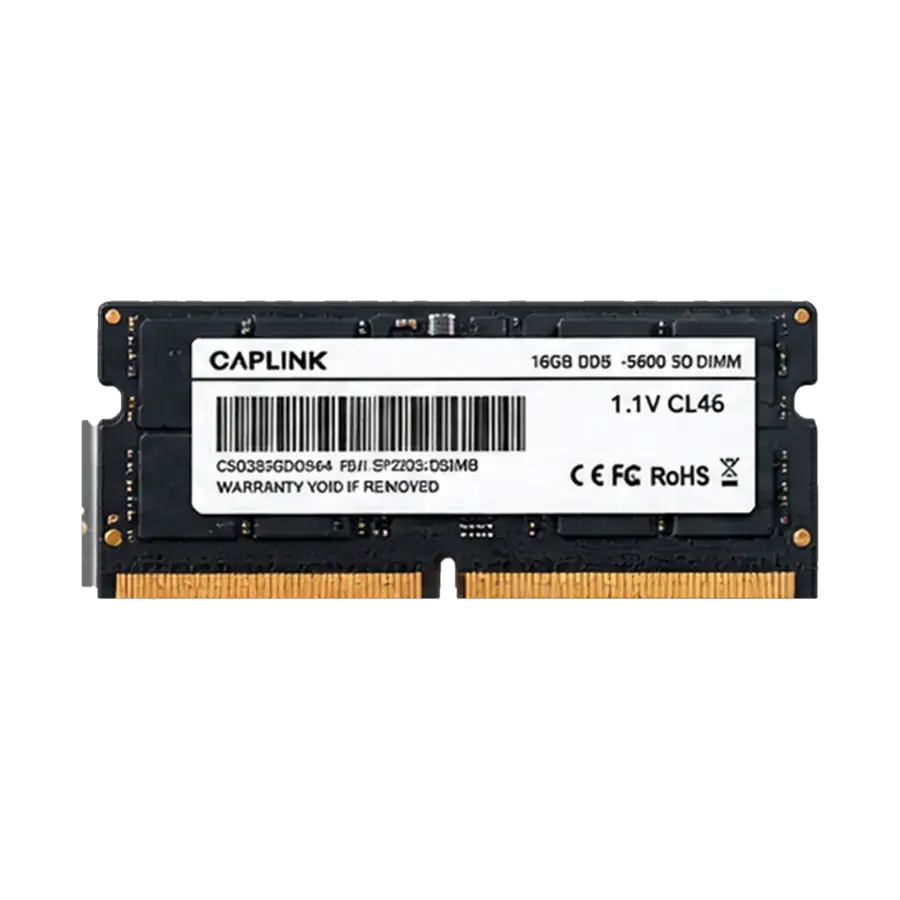
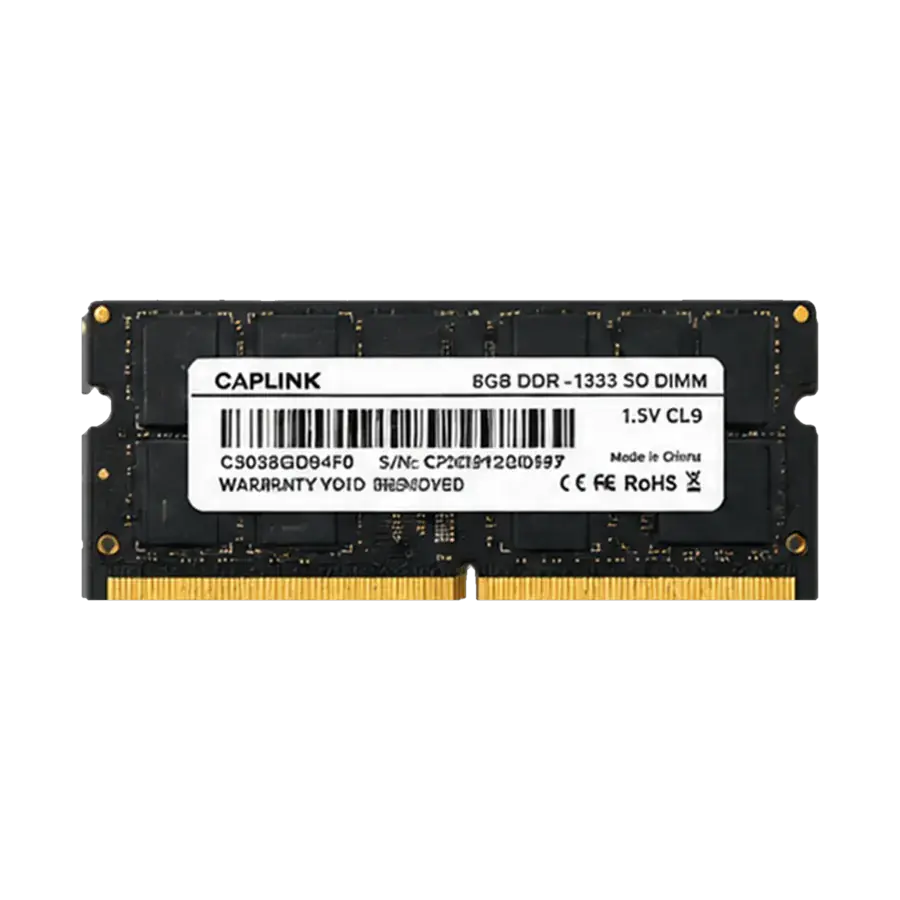
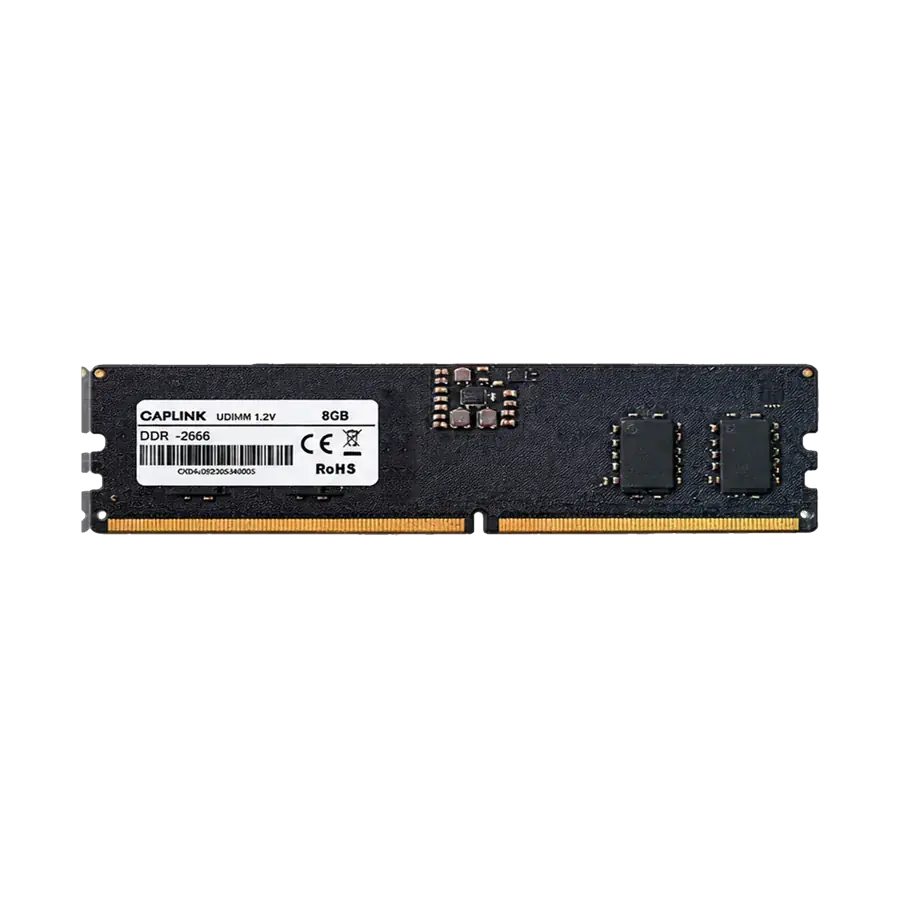
UDIMM (unbuffered dual in-line memory module) is the full-size module used in desktop PCs. SODIMM (small outline DIMM) is the compact module used in laptops and small computers.
| UDIMM (desktop) | SODIMM (laptop / small PC) | |
|---|---|---|
| Length | ~133 mm | ~69.6 mm |
| DDR3 pins | 240 | 204 |
| DDR4 pins | 288 | 260 |
| DDR5 pins | 288 | 262 |
| DDR3 / DDR3L voltage | 1.5 V / 1.35 V | 1.5 V / 1.35 V |
| DDR4 voltage | 1.2 V | 1.2 V |
| DDR5 voltage | 1.1 V | 1.1 V |
| Typical devices | Desktops, workstations, tower servers (non-ECC) | Laptops, mini PCs, all-in-ones, NAS, industrial boards |
DDR4 and DDR5 UDIMMs both have 288 pins, but the notch is in a different position, so a DDR5 module cannot be inserted into a DDR4 slot. The same applies to DDR4 and DDR5 SODIMMs. For the differences between generations, see DDR4 vs DDR5.
Which devices use which module
| Device | Module | Notes |
|---|---|---|
| Desktop PC, gaming PC, workstation | UDIMM | 2 or 4 slots; XMP/EXPO kits common |
| Laptop (upgradeable) | SODIMM | 1 or 2 slots; check maximum capacity per slot |
| Thin-and-light laptop | Often soldered LPDDR | No upgrade possible |
| Mini PC / NUC | SODIMM | Popular upgrade market |
| All-in-one PC | SODIMM | Access panel may be hidden |
| NAS, firewall, thin client | SODIMM | Check vendor compatibility list |
| Industrial PC / embedded board | SODIMM (sometimes UDIMM) | Prefer fixed BOM and long supply |
| Server | RDIMM / LRDIMM (registered) | Not the same as UDIMM |
Our memory range by form factor
| Generation | Laptop / small PC (SODIMM) | Desktop (UDIMM) | Capacities | Speeds |
|---|---|---|---|---|
| DDR5 | DDR5 SODIMM | DDR5 UDIMM | 8 / 16 / 32 GB | 4800 / 5600 MT/s |
| DDR4 | DDR4 SODIMM | DDR4 UDIMM | 4 / 8 / 16 / 32 GB | 2400 / 2666 / 3200 MT/s |
| DDR3 / DDR3L | DDR3 SODIMM | DDR3 UDIMM | 2 / 4 / 8 GB | 1333 / 1600 MT/s |
Performance: dual channel matters more than form factor
At the same generation and speed grade, a SODIMM performs exactly like a UDIMM. What changes real-world performance is how many channels are filled:
- Dual channel — two modules in the correct slots roughly double memory bandwidth versus one module. This matters most for integrated graphics in laptops and mini PCs.
- Matched pairs — sell 2 × 8 GB or 2 × 16 GB kits rather than single sticks for new systems.
- Mixed modules — different speeds or timings run at the slowest module's settings; mixing brands can cause instability.
- Ranks — dual-rank modules can be slightly faster than single-rank at the same speed, but some laptops support only specific configurations.
XMP, EXPO and JEDEC speeds
Memory runs at a standard JEDEC speed by default. Desktop UDIMM kits can include XMP (Intel) or EXPO (AMD) profiles that enable higher speeds when switched on in the BIOS. Laptops and most mini PCs run memory at JEDEC speeds only, so for SODIMM the JEDEC speed on the label is what customers get.
Compatibility checklist before you order
- Generation — DDR3, DDR3L, DDR4 or DDR5 (never interchangeable).
- Form factor — SODIMM or UDIMM (ECC, RDIMM and LRDIMM are different products).
- Maximum capacity per slot — older laptops may accept only 8 GB or 16 GB per slot.
- Supported speed — faster modules work but run at the platform's maximum.
- Voltage — some older laptops require DDR3L (1.35 V) rather than DDR3 (1.5 V).
- Number of slots and channels — plan pairs for dual channel.
- Physical clearance — tall heat spreaders may not fit under large CPU coolers or in slim cases.
Stocking advice for distributors and repair shops
- Repair and upgrade shops: DDR4 SODIMM 8 GB and 16 GB are the steady sellers; add DDR5 SODIMM 16 GB for newer laptops and mini PCs.
- System integrators: DDR5 UDIMM 16 GB and 32 GB in matched pairs.
- Refurbishers: DDR4 SODIMM plus a small stock of DDR3L SODIMM for older business laptops.
- E-commerce: put generation, form factor, capacity and speed at the start of every title — "DDR5 SODIMM 16GB 5600MHz Laptop RAM" — and list compatible device types.
Every module we ship is tested for compatibility and goes through 48-hour aging — see our quality control process. Private label modules with your own heat spreader or label are available through our OEM service.
Building complete systems? Pair memory with the right storage using our NVMe vs SATA SSD guide and check drive endurance with how long SSDs last. Importing in volume? Read how to import RAM and SSDs from China.
Summary
Laptops and small PCs use SODIMM; desktops use UDIMM. Within each form factor, the generation must match the motherboard, and dual-channel pairs deliver the biggest performance gain. Label listings clearly, stock matched pairs and check slot limits, and most memory returns disappear. Request a quotation for SODIMM and UDIMM in your target capacities.