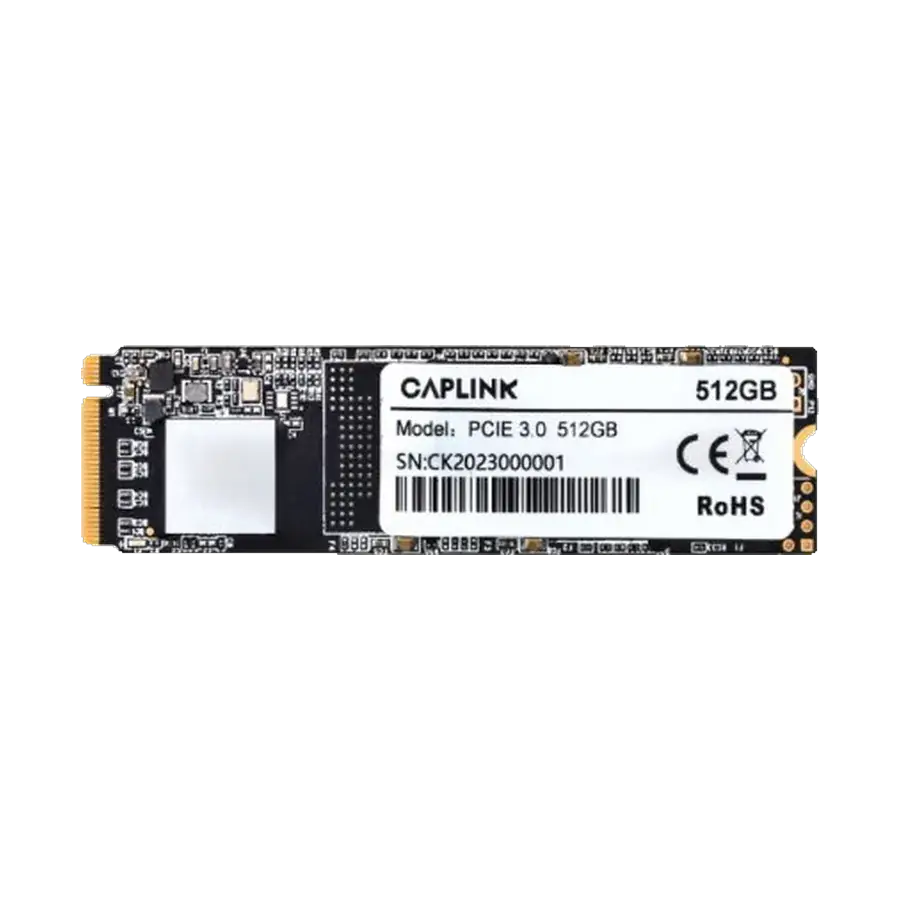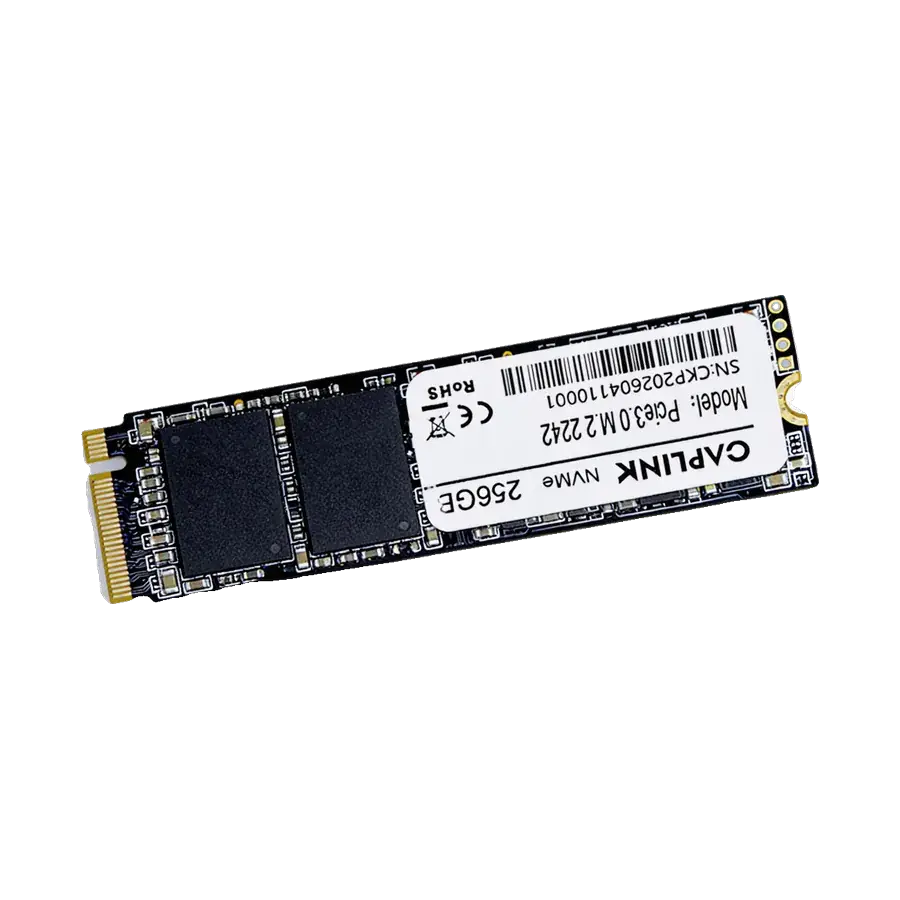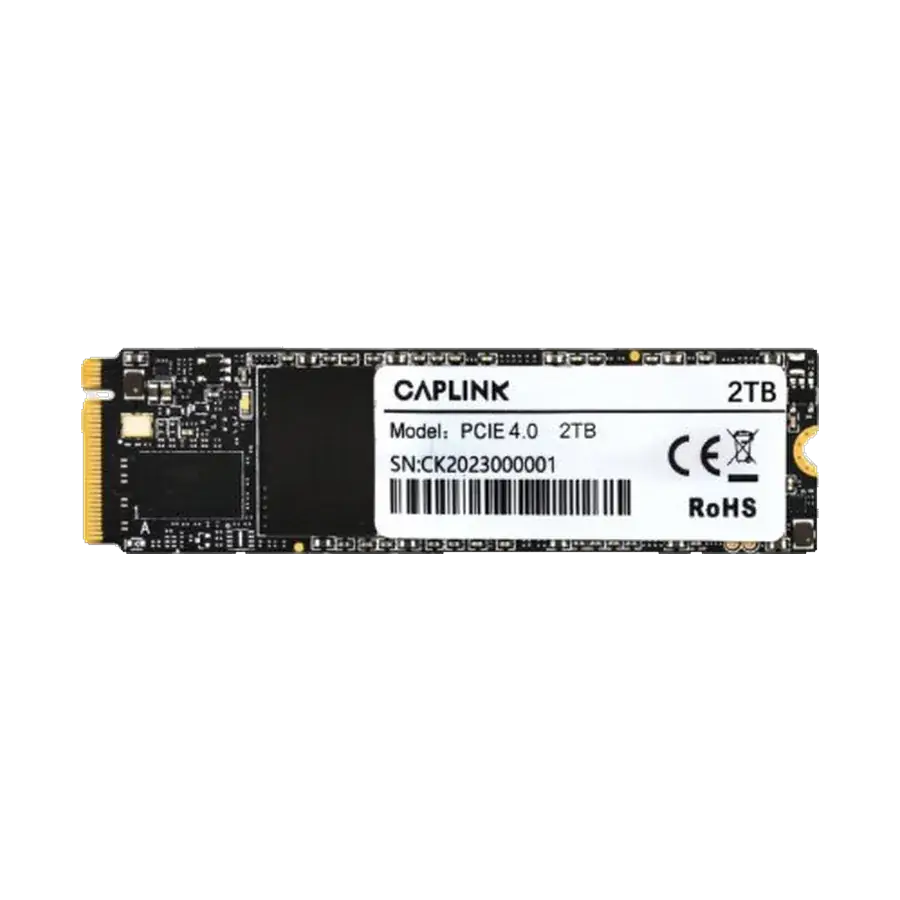
PCIe 4.0 SSDs are now standard in new desktops and many laptops, while PCIe 3.0 drives still sell in huge volumes for upgrades, office PCs and budget builds. For distributors the question is not which one is "better" but which one each customer actually benefits from. This guide compares both generations with real numbers.
Bandwidth at a glance
| PCIe 3.0 x4 | PCIe 4.0 x4 | |
|---|---|---|
| Transfer rate per lane | 8 GT/s | 16 GT/s |
| Theoretical x4 bandwidth | ~3.9 GB/s | ~7.9 GB/s |
| Typical NVMe sequential read | ~2,000–3,500 MB/s | ~4,000–7,000+ MB/s |
| Our models | M.2 2280 PCIe 3.0 up to 3,500 MB/s | M.2 2280 PCIe 4.0 up to 5,000 MB/s |
For comparison, SATA SSDs top out around 550 MB/s — see NVMe vs SATA.
Backward and forward compatibility
- A Gen 4 SSD in a Gen 3 slot works at Gen 3 speed.
- A Gen 3 SSD in a Gen 4 slot works at Gen 3 speed.
- Both use the same M.2 M-key connector and the same NVMe protocol.
- Some motherboards run certain M.2 slots through the chipset at Gen 3 or with fewer lanes — check the manual.
Physical size still matters: 2280 vs 2242 is explained in M.2 SSD sizes.
Real-world difference
| Task | Gen 4 advantage over Gen 3 |
|---|---|
| Windows boot, office apps | Minimal |
| Game loading | Small |
| Copying large video files | Large |
| 4K/8K video editing, RAW photos | Large |
| Databases, VMs, compiling | Moderate to large |
Everyday responsiveness depends mostly on random 4K performance and latency, where good Gen 3 and Gen 4 drives are closer than the sequential numbers suggest.
Heat and power
Gen 4 controllers work harder and run warmer. In desktops with airflow this is rarely a problem; in thin laptops and mini PCs, long transfers can trigger thermal throttling. Practical advice:
- Use the motherboard's M.2 heatsink or a thin thermal pad.
- For laptops, a good Gen 3 drive may sustain speed better than a hot Gen 4 drive.
- Gen 3 drives use less power, which helps battery life in older laptops.
Which devices need which generation
| Device / market | Recommended |
|---|---|
| Office PCs, education, POS | PCIe 3.0 (lower cost, plenty fast) |
| Laptops from about 2021 onward | PCIe 4.0 if the slot supports it; PCIe 3.0 for budget |
| Older laptops and desktops (Gen 3 slots) | PCIe 3.0 — Gen 4 brings no benefit |
| Mini PCs with 2242 slots | M.2 2242 PCIe 3.0 |
| Gaming and creator desktops | PCIe 4.0 |
| PS5 expansion | PCIe 4.0 meeting Sony's speed and heatsink recommendations |
Endurance and NAND are separate from PCIe generation
PCIe generation sets the speed limit of the interface; endurance depends on NAND type, capacity and controller. Our NVMe drives use 3D TLC NAND with a 3-year warranty. Endurance per capacity is explained in how long SSDs last, and the NAND choice in TLC vs QLC.
Stocking advice for distributors
- Keep PCIe 3.0 as the volume line for upgrades, office and budget builds.
- Add PCIe 4.0 in 1TB and 2TB for gaming, creators and new laptops.
- Put the generation in every listing title: "M.2 2280 NVMe PCIe 4.0 SSD 1TB".
- Explain backward compatibility on the product page to reduce questions and returns.
- Test samples on both Gen 3 and Gen 4 platforms — see our SSD sample testing checklist.
Summary
PCIe 4.0 doubles interface bandwidth and wins on large transfers and heavy workloads, while PCIe 3.0 remains the cost-effective choice for office, budget and older systems. Both are cross-compatible. Stock Gen 3 for volume and Gen 4 for performance segments. Request a quotation for PCIe 3.0 and 4.0 NVMe SSDs.