Fake and relabelled flash storage is one of the most common causes of returns and negative reviews for electronics resellers. The good news: almost all of it can be caught with free tools and a simple routine before the goods reach your customers.
The three common types of fake storage
- Fake capacity — the controller is reprogrammed to report more space than the NAND really has (e.g. "2 TB" USB drives that hold 64 GB). Data written past the real limit silently disappears.
- Relabelled or downgraded parts — genuine capacity, but low-grade or recycled NAND sold as a better product, or a slow card printed with a faster speed class.
- Brand counterfeits — copies of well-known brands' packaging and labels.
Warning signs before you even test
- Prices far below the market for the capacity — especially for 1–2 TB USB drives and microSD cards.
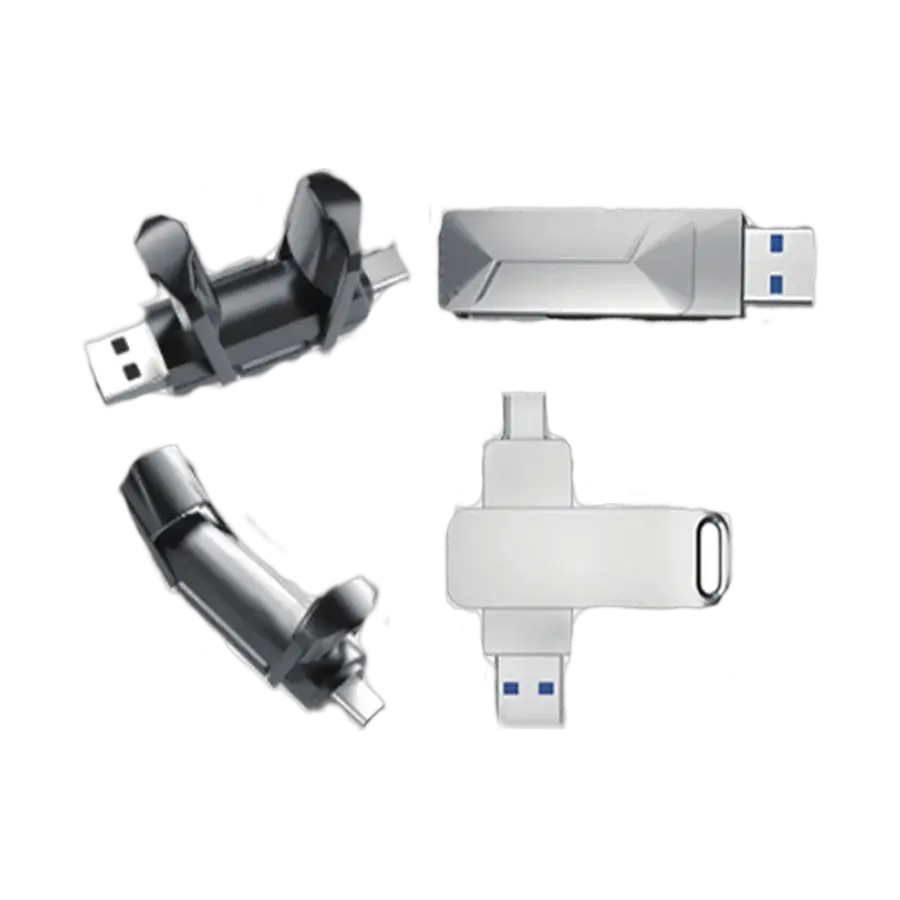
- Capacities that make no sense for the form factor or price, such as 2 TB SSDs in tiny keychain cases at USB-stick prices.
- Vague specifications: no NAND type, no real write speed, "up to" figures only.
- Supplier cannot give batch numbers or test reports.
- Weight and build: a "portable SSD" that weighs the same as a cheap USB stick is often a USB stick inside. Our portable SSD wholesale guide explains what real PSSD speeds look like.
A 5-step test routine
| Step | Tool | What it catches |
|---|---|---|
| 1. Check reported info | CrystalDiskInfo (SSD), ChipGenius / Flash Drive Information Extractor (USB) | Wrong controller, odd model strings, SMART errors |
| 2. Full-capacity write/verify | H2testw (Windows) or f3write/f3read (Linux/macOS) | Fake capacity, bad sectors |
| 3. Speed test | CrystalDiskMark, ATTO | Speed class / interface claims |
| 4. Sustained write | Copy a large folder (20–100 GB) | Tiny cache, slow NAND |
| 5. Real-device test | Phone, camera, dashcam or PC your customers use | Compatibility, overheating, recording drops |
Test at least a few samples from every capacity and from every batch. Fake-capacity tests take time on large devices — start them overnight.
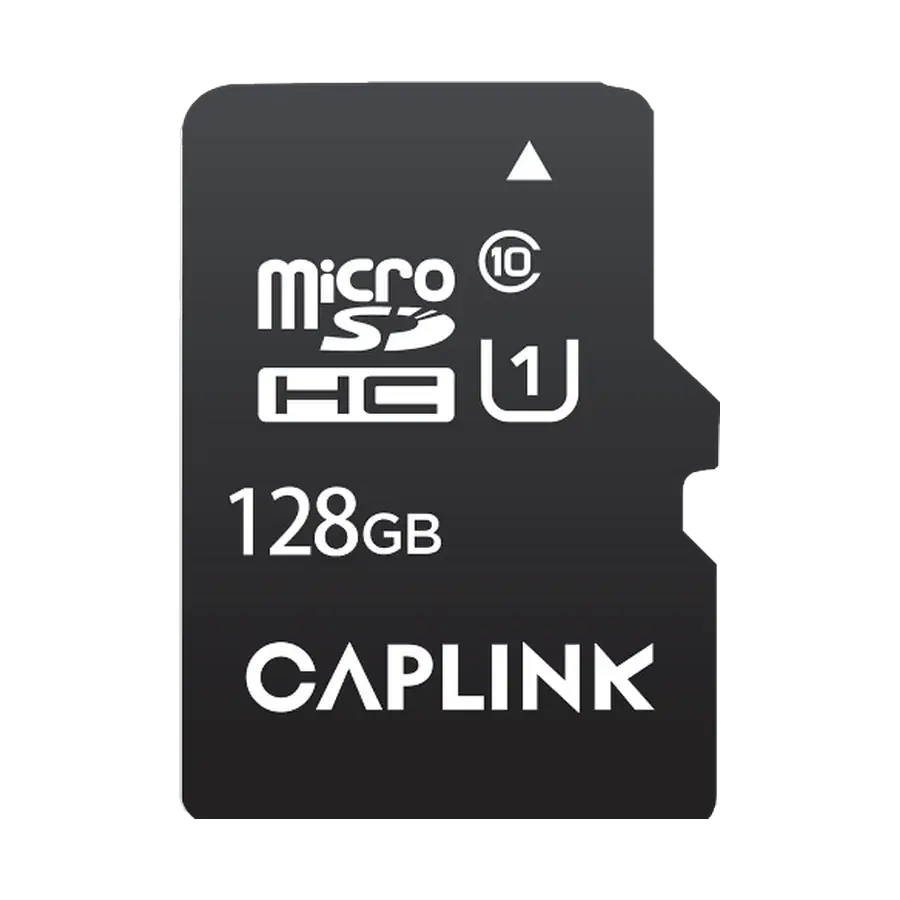
Reading the speed-class labels on SD and microSD
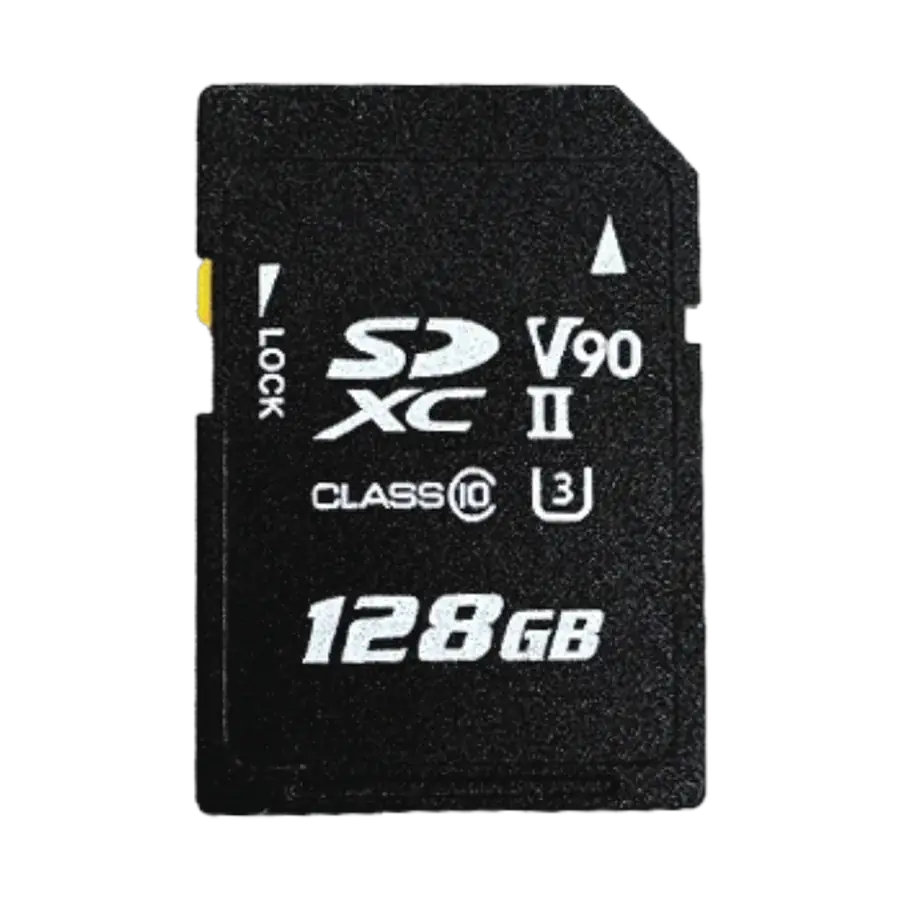
| Mark | Minimum sustained write |
|---|---|
| Class 10 / U1 / V10 | 10 MB/s |
| U3 / V30 | 30 MB/s |
| V60 | 60 MB/s |
| V90 | 90 MB/s |
| A1 / A2 | App performance (random IOPS) for phones |
A card labelled V30 that records 4K video with dropped frames, or an A2 card that is slow in a phone, is a sign the label does not match the product. Our SD cards and microSD cards are sold with the speed classes they are tested to. For a device-by-device recommendation, read our SD & microSD speed class guide.
What to ask your supplier
- Which NAND type (3D MLC/TLC/QLC) and controller does each capacity use?
- Is every unit capacity-tested before packing, and can I see the report for my batch?
- Will you replace a batch that fails my incoming inspection?
- Can you print batch numbers on labels or packaging?
Summary
Fake storage is easy to sell and expensive to refund. A short routine — reported info, full-capacity verify, speed, sustained write and a real-device test — protects your margins and your seller rating. If you would like test samples of our USB drives, cards or SSDs, ask for samples here.