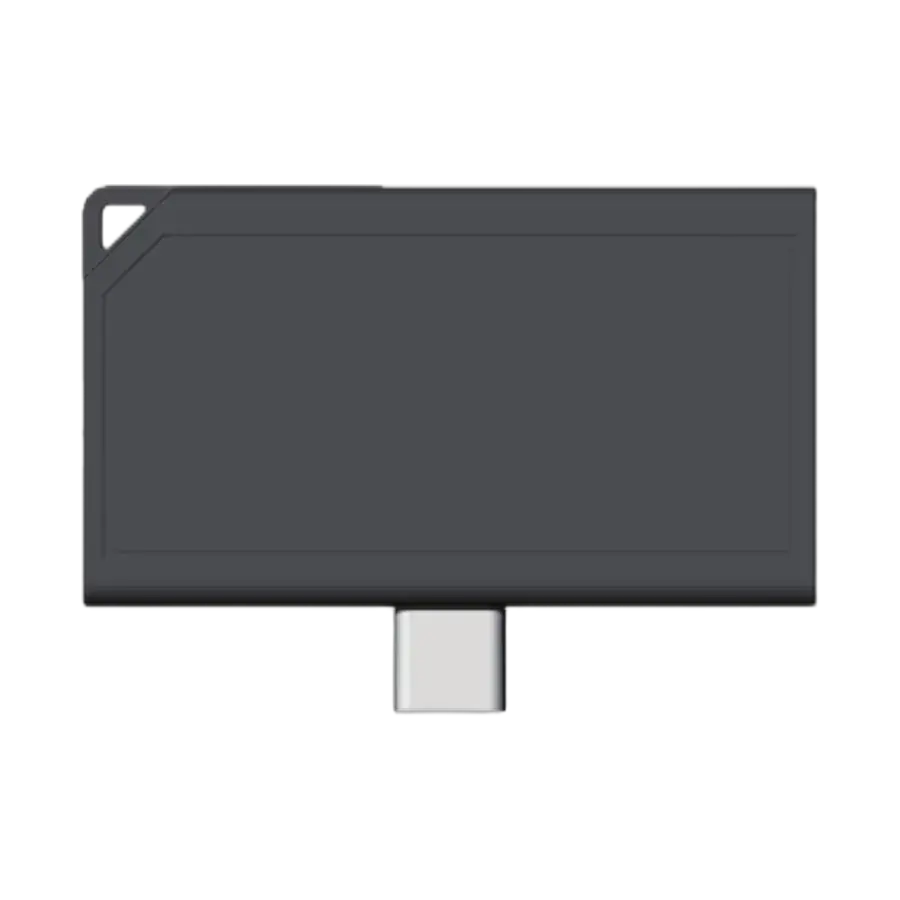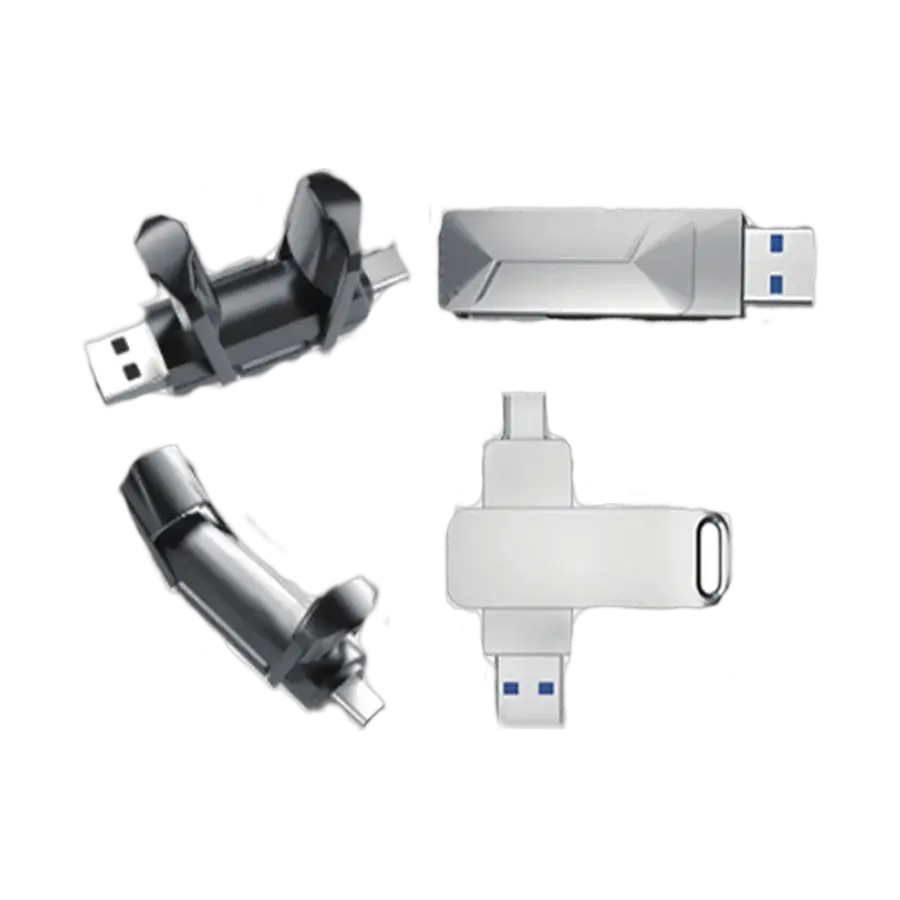
Portable SSDs and USB flash drives both plug into a USB port and store files, but they are very different products. For buyers, mixing them up leads to unhappy customers: a video creator who buys a flash drive, or a marketing team that pays SSD prices for a brochure giveaway. Here is how they compare and where each one fits.
Quick comparison
| Portable SSD | USB flash drive | |
|---|---|---|
| Typical read speed | ~400–2,000 MB/s | USB 3.x: ~100–150 MB/s; USB 2.0: below ~35 MB/s |
| Sustained large writes | Strong (SSD controller and cache) | Slows down on large files |
| Capacity range | 128GB–2TB (ours) | 4GB–512GB (ours) |
| Size | Pocket size, slightly larger | Keyring size |
| Durability for frequent writes | High | Moderate |
| Warranty (ours) | 3 years | 1 year |
| Price per GB | Higher | Lower for small capacities |
| Best for | Video, backups, large projects | File transfer, distribution, promotion |
Speed in practice
Advertised speeds are reads; writes and sustained performance tell the real story. Copying a 50 GB video folder:
| Device | Approx. time |
|---|---|
| USB 2.0 flash drive (~20 MB/s write) | ~40+ minutes |
| USB 3.2 flash drive (~60–100 MB/s write) | ~8–14 minutes |
| Portable SSD P400 (USB 3.2 Gen 1, up to 400 MB/s) | ~2–3 minutes |
| Portable SSD P1000 (USB 3.2 Gen 2, up to 1,000 MB/s) | ~1 minute |
| Portable SSD P2000 (USB 3.2 Gen 2×2, up to 2,000 MB/s) | under 1 minute on a Gen 2×2 port |
Times are estimates; real results depend on the port, cable, files and host. A portable SSD only reaches its rated speed on a port that supports the same USB standard — details in our portable SSD wholesale guide.
Durability and reliability
- Portable SSDs use full SSD controllers with wear levelling, error correction and DRAM or host-memory cache, so they handle daily backups and large projects.
- Flash drives use simpler controllers and smaller NAND, ideal for occasional transfers. Heavy daily writes wear them faster.
- Both have no moving parts and tolerate drops better than hard drives.
Price and capacity
Flash drives win on cost for small capacities (8–64GB) and promotional volumes. From about 256GB upward, portable SSDs offer far better speed per dollar, and at 1TB–2TB they are the practical choice. Popular capacity mixes for retail are 64–128GB for flash drives and 512GB–1TB for portable SSDs.
Which one to choose
| Use case | Choose |
|---|---|
| Video editing, photography, drone footage | Portable SSD |
| Laptop and PC backups | Portable SSD |
| Game libraries for consoles and PCs | Portable SSD |
| Moving documents between PCs | USB flash drive |
| Phone-to-PC transfer | OTG dual USB drive |
| Trade show giveaways, brochures, catalogues | Logo USB flash drive — see custom logo USB drives |
| Premium corporate gifts | Branded portable SSD |
Tips for resellers
- Show write speed and USB standard in listings, not only read speed.
- Bundle portable SSDs with a USB-C to USB-C and USB-C to A cable.
- Offer flash drives in USB 2.0 for promotion and USB 3.2 for everyday use.
- Test incoming batches for real capacity — see how to spot fake storage.
- Private label packaging rules are in our packaging and compliance guide.
Summary
Portable SSDs are the right choice for speed, large files and frequent backups; USB flash drives win on cost, size and promotional use. Match the product to the job and the USB port, and both categories sell with few returns. Request a quotation for portable SSDs and USB flash drives.