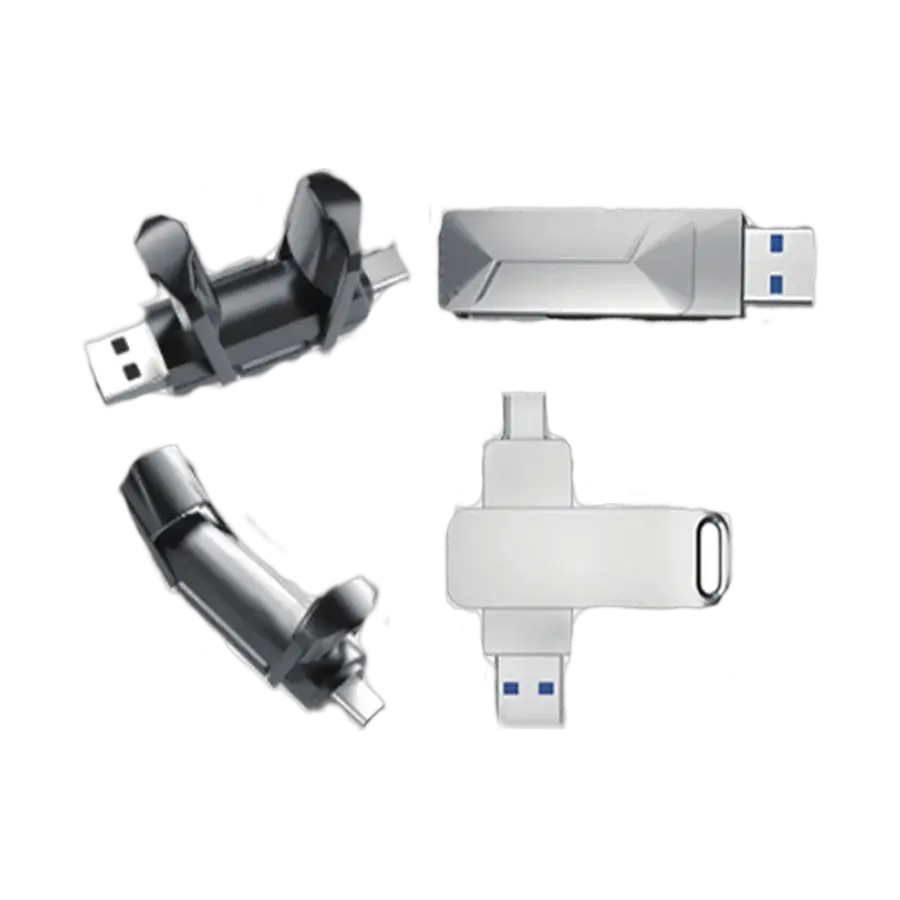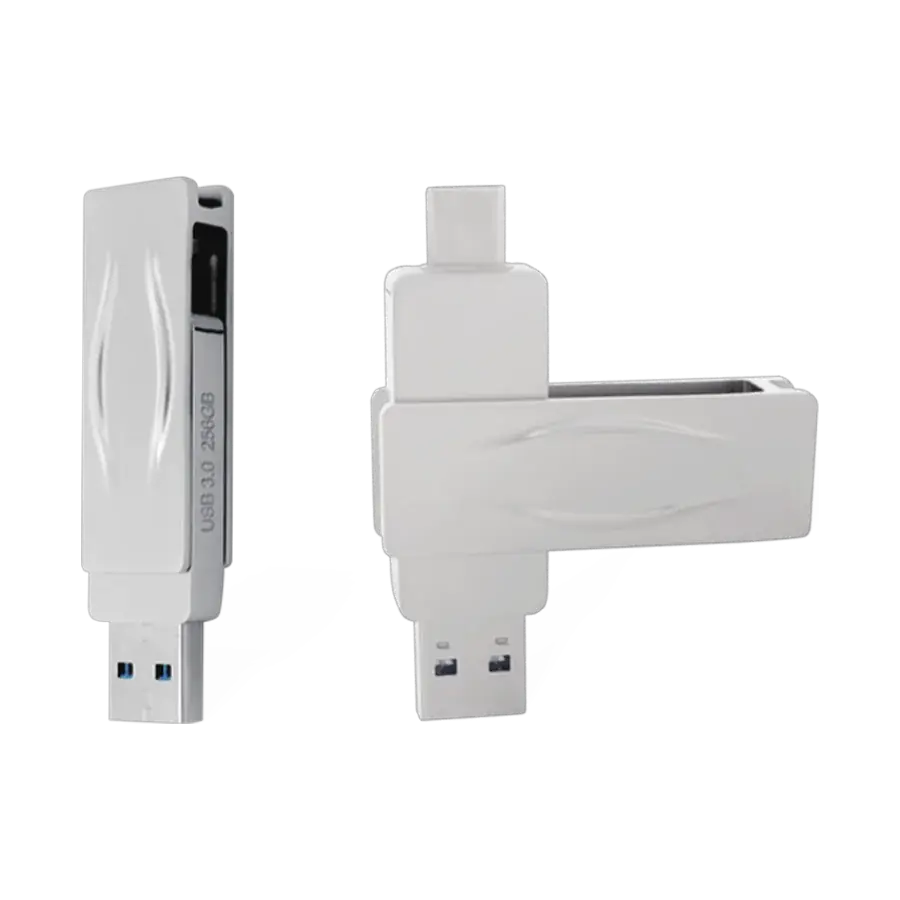
Custom USB flash drives are still one of the most practical branded products: people keep them, use them and see the logo every time. They are also a steady seller for distributors, IT shops and promotional product companies. This guide covers what to decide before you order USB drives in bulk, so the quote you get matches the product you need.
Step 1: Choose the connector
| Connector | Works with | Best for | Our model |
|---|---|---|---|
| USB Type-A | PCs, laptops, TVs, car audio, printers | Universal giveaways, offices, schools | USB Drive Type-A / A+C |
| Type-A + Type-C (dual) | PCs and USB-C phones, tablets, MacBooks | Modern offices, tech brands, events | USB Drive Type-A / A+C |
| OTG dual-port (A + Type-C or Micro-USB) | Android phones, tablets, PCs | Phone photo backup, retail for mobile users | OTG Dual USB Drive |
If the audience uses phones more than computers — common in Southeast Asia, the Middle East and Latin America — dual-connector or OTG drives are worth the small extra cost.
Step 2: Choose the speed (USB 2.0 vs 3.x)
| USB 2.0 | USB 3.0 / 3.2 Gen 1 | |
|---|---|---|
| Typical read | 20–35 MB/s | up to ~150 MB/s on our drives |
| Typical write | 5–15 MB/s | 20–60 MB/s depending on capacity |
| Copying a 4 GB video | several minutes | about 1–2 minutes |
| Unit cost | Lowest | Higher |
| Best for | Documents, catalogues, presentations | Video, photo libraries, installers, backups |
A useful rule: if the content you preload is under about 1 GB, USB 2.0 is fine. For product catalogues with video, training material or anything recipients will reuse for large files, choose USB 3.x.
Step 3: Choose the capacity
Capacity has the biggest effect on price. For promotions, buyers usually overestimate what they need:
- 4–8 GB – document and catalogue giveaways, conference handouts.
- 16–32 GB – the sweet spot for corporate gifts; recipients keep and reuse them.
- 64–128 GB – retail, photo backup, OTG drives for phones.
- 256–512 GB – retail and power users; consider a portable SSD instead if speed matters (see our portable SSD wholesale guide).
Step 4: Choose the housing
| Housing | Look and feel | Logo methods | Notes |
|---|---|---|---|
| Metal (zinc alloy / aluminium) | Premium, durable | Laser engraving, UV print | Best for corporate gifts; engraving never wears off |
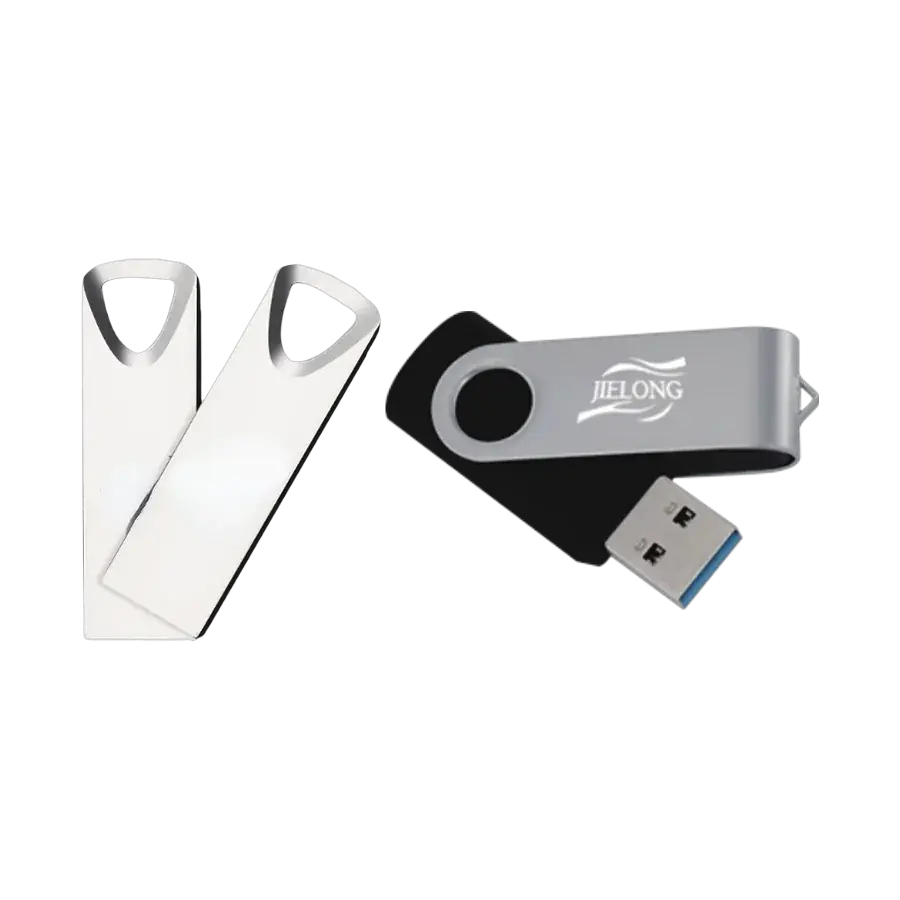
| Swivel / rotating (metal clip) | Classic, protects the connector | Silk-screen, laser, UV print | Most popular promotional style; large logo area |
| Plastic | Light, colourful | Silk-screen, UV print | Lowest cost; many colours |
| Dual / OTG mini metal | Compact, modern | Laser engraving | Fits key rings; popular with phone users |
Our metal and rotating USB drives use zinc alloy and stainless steel bodies that survive daily use on key rings.
Step 5: Choose the logo method
| Method | Colours | Durability | Best on |
|---|---|---|---|
| Laser engraving | Single tone (metal colour) | Permanent | Metal and anodised aluminium |
| Silk-screen printing | 1–3 spot colours | Good | Swivel clips, plastic |
| UV / full-colour printing | Full colour, gradients, photos | Good | Swivel clips, metal, plastic |
| Embossed / debossed | Single colour | Very good | Custom PVC or rubber shapes |
Send logos as vector files (AI, EPS or PDF). We return a digital proof before production and can send a physical sample on request.
Step 6: Data preload and packaging
Adding content to the drive turns a giveaway into a marketing channel:
- Preloaded files – catalogues, videos, price lists, training material, software.
- Read-only partition – protects the preloaded content from deletion while leaving the rest of the drive writable.
- Custom volume name – shows your brand name when the drive is plugged in.
- Packaging – opp bag, kraft box, tin box, gift box with foam insert, or retail blister with barcodes.
Note that modern Windows and macOS block auto-run for security reasons, so put a clearly named file (for example "Open me – Catalogue.pdf") in the root folder.
What decides the unit price
- Capacity – the largest factor; quote the smallest capacity that meets your needs.
- USB 2.0 vs 3.x – USB 3.x costs more and needs better NAND.
- Housing material – metal costs more than plastic, custom shapes need moulds.
- Logo method and colours – full-colour UV costs more than one-colour engraving.
- Packaging – gift boxes can cost as much as the drive itself.
- Quantity – unit price drops noticeably above 500 and 1,000 pcs.
Avoid fake-capacity drives
Very cheap high-capacity USB drives are often fake: the controller reports 128 GB but the chip holds far less, and files silently disappear. Always test samples with H2testw or f3 before mass production, and ask for batch test reports. Our guide on how to spot fake SSDs, USB drives and memory cards explains the full routine. Every drive we ship is capacity-tested; see our quality control process.
Ordering checklist
- Connector: Type-A, A+C or OTG
- Speed: USB 2.0 or 3.x
- Capacity and quantity per capacity
- Housing style and colour
- Logo method, vector logo file, logo position on both sides
- Preloaded data, read-only partition, volume name
- Packaging and barcodes
- Delivery date and shipping term
Summary
The right custom USB drive is the one that matches how recipients will use it: universal Type-A for broad giveaways, dual-connector or OTG for mobile users, USB 3.x only when files are large, and a durable housing with an engraving or full-colour print that matches your brand. Send us your checklist and we will quote and proof your design, or read about our OEM & private label service.